Scripts and Automations
11. Scripts and Automations
The Scripts and Automations feature in SLZB-OS lets you create and run your own automation logic directly on the coordinator, without needing an external controller to send every command. Scripts can respond to events, toggle GPIOs, interact with the Zigbee hub, or perform other custom actions.
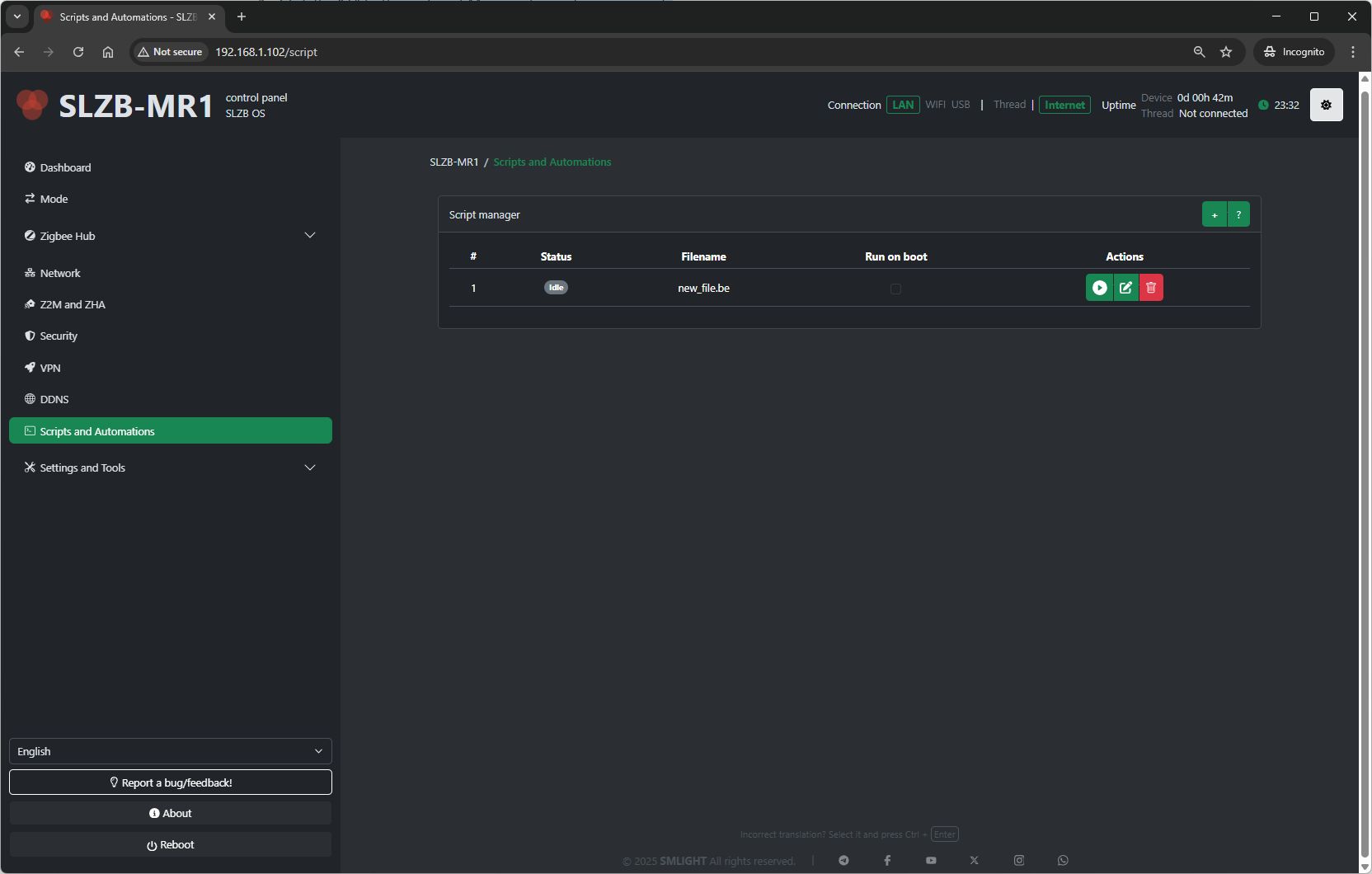
11.1 Overview
-
Scripts are executed by the coordinator’s firmware.
-
They can be triggered automatically (on boot) or run manually.
-
They support features such as an HTTP client to fetch or send data over the network.
-
This feature is intended for advanced users familiar with automation logic and scripting.
For examples and full API documentation, refer to the official repository:
???? https://github.com/smlight-tech/slzb-os-scripts
11.2 Script Manager
The Script Manager section contains the list of available scripts and their control options:
| Field / Button | Description |
|---|---|
| Status | Shows whether the script is enabled/disabled. |
| Filename | The name of the script file stored in the coordinator. |
| Run on boot | Toggle to run the script automatically after the device boots. |
| Actions | Buttons to edit, run, stop, or delete the script. |
11.3 Adding a Script
11.4 Running a Script
-
To run a script manually, click the Run action button next to it.
-
The script will execute immediately and perform its programmed logic.
11.5 Editing / Updating a Script
-
Click the Edit button for the script you want to modify.
-
Make changes in the script editor and save.
-
If “Run on boot” is enabled, the updated script will take effect at the next reboot.
11.6 Removing a Script
-
Click the Delete button.
-
Confirm deletion — the file will be removed from the coordinator.
11.7 Notes & Best Practices
-
Test scripts carefully before enabling Run on boot, to avoid loops or undesired behaviors.
-
The HTTP client functionality enables integration with external APIs or local services.
-
Avoid blocking operations or excessive network calls to keep the coordinator responsive.
-
Store scripts in a safe location outside the coordinator for backup, as they may be lost on a full reset.