Settings
12. Settings & Tools
The Settings & Tools section in SLZB-OS contains core configuration and maintenance options that apply to the entire coordinator, regardless of the selected Zigbee mode or network configuration.
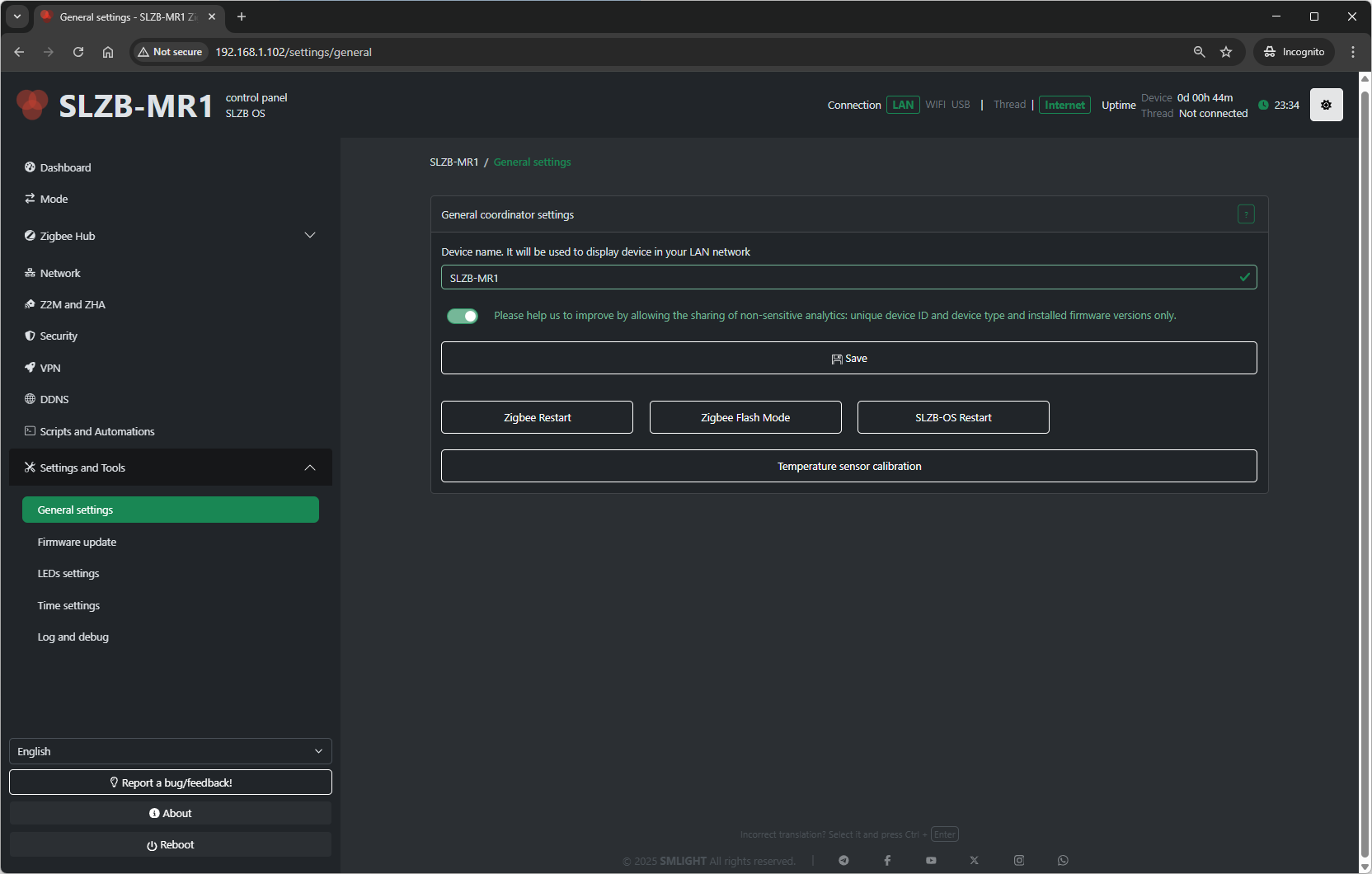
12.1 General Settings
12.1.1 Device Name
-
Sets a friendly name for your coordinator.
-
Appears in the web interface header and can help distinguish multiple devices.
12.1.2 Update Check Interval
-
Defines how often SLZB-OS checks for firmware updates (in hours).
-
Minimum: 1 hour; Maximum: 168 hours (1 week).
12.1.3 Enable Remote Support Mode
-
Allows temporary remote access by SMLIGHT support (if instructed).
-
For troubleshooting purposes only.
12.2 Firmware Update
The Firmware Update page allows upgrading SLZB-OS to the latest release or a specific version.
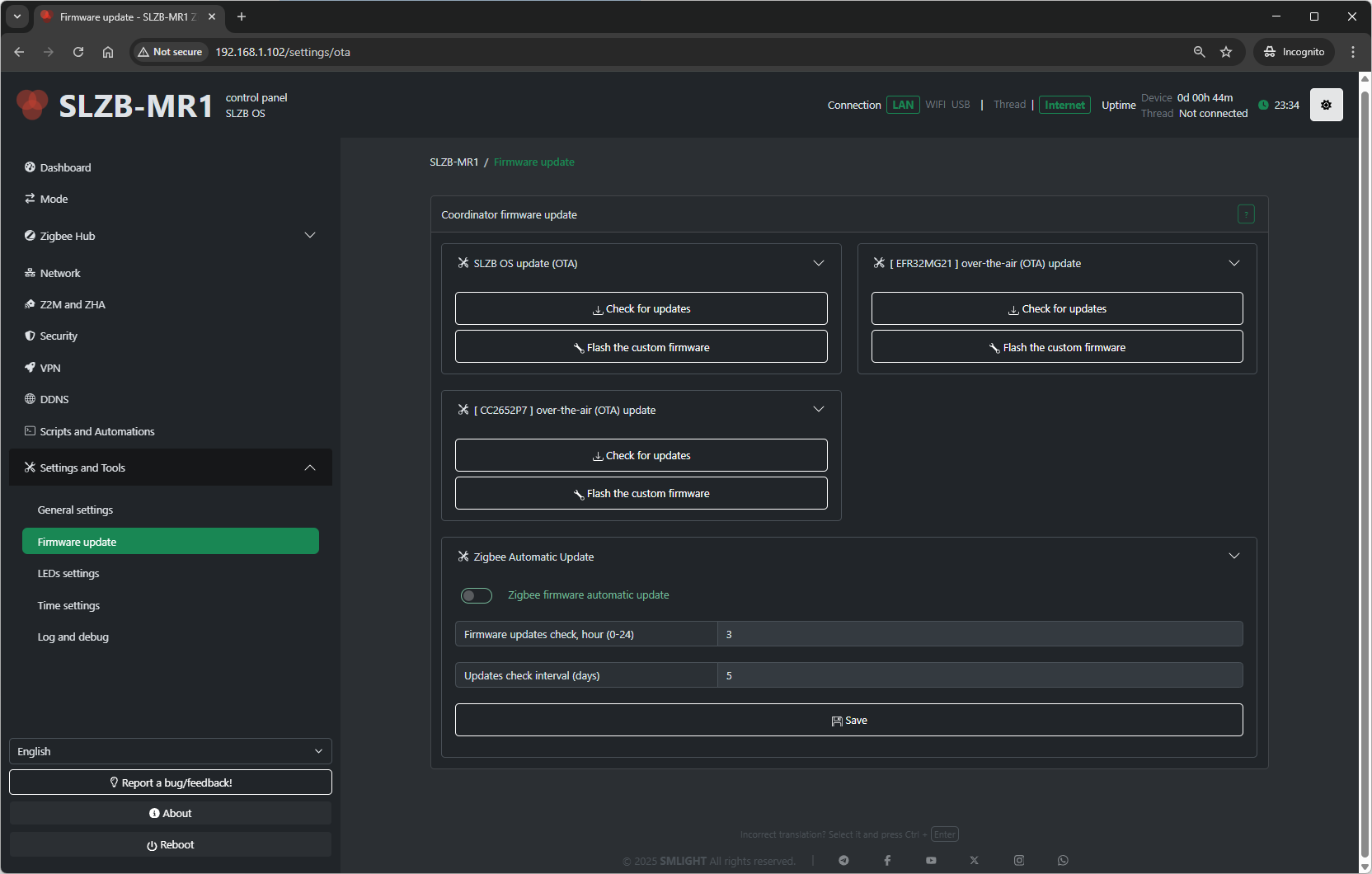
12.2.1 Update Methods
-
Online Update
-
Fetches and installs the latest stable firmware from SMLIGHT servers.
-
-
Manual Upload
-
Lets you upload a
.binfirmware file from your computer.
-
12.2.2 Update Process
-
Select update method (online or manual).
-
Confirm and start update.
-
Device will reboot automatically after installation.
Note: Updating SLZB-OS does not affect your Zigbee network data — Zigbee pairing and configuration are stored in Zigbee2MQTT/ZHA, not in the core firmware.
12.2.3 Automatic Zigbee Firmware Updates
-
Enable Zigbee Automatic Updates (checkbox):
-
When enabled, SLZB-OS will automatically check for Zigbee firmware updates every # DAY and TIME (for example, every fifth day at 3 am)
-
If a new version is found, the Zigbee chip will update automatically.
-
This process restarts the Zigbee component — ensure your Zigbee2MQTT or ZHA setup is ready to reconnect devices after the restart.
-
12.3 LED Settings
This page configures the behavior of the onboard status LEDs.
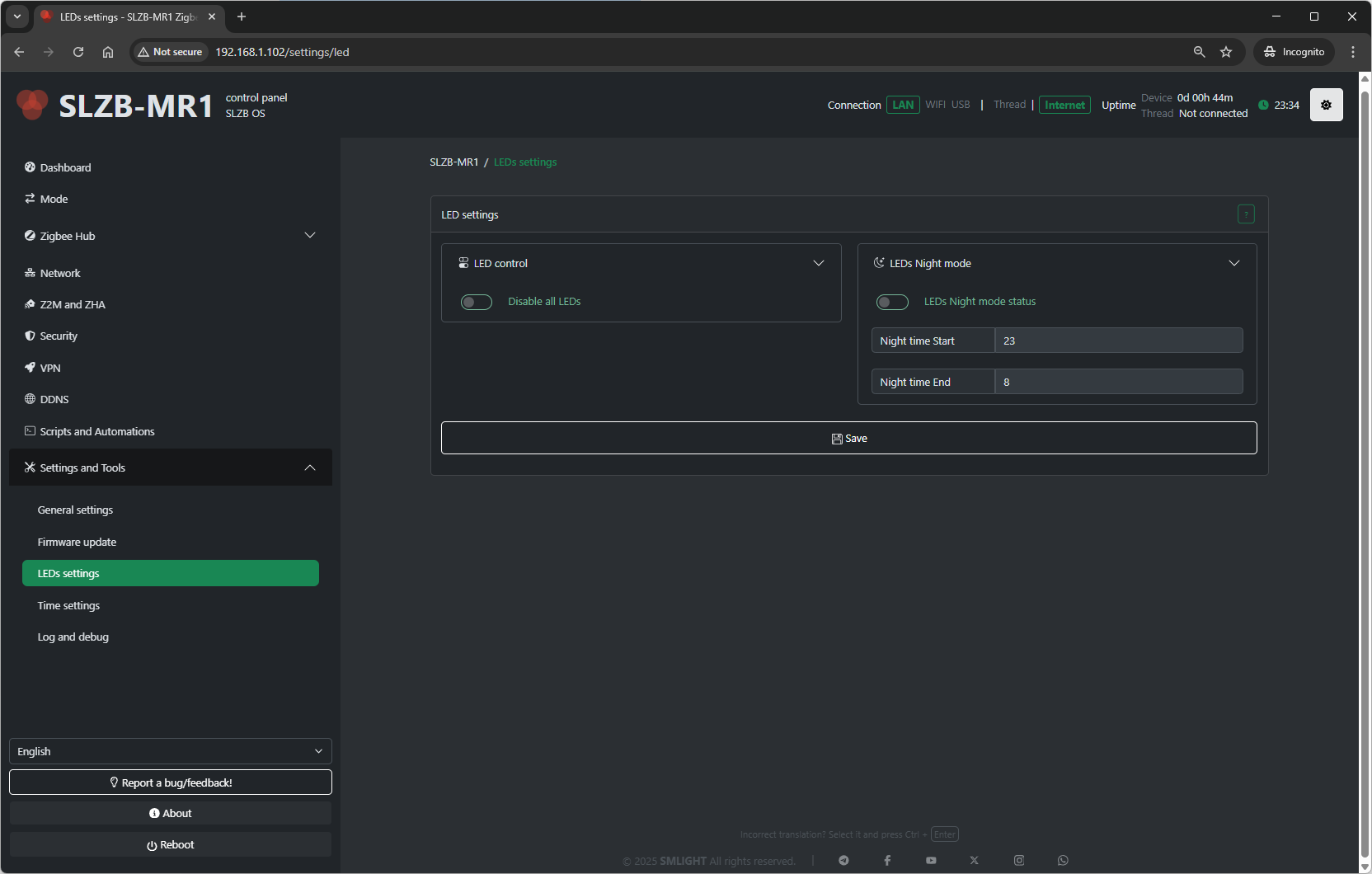
12.3.1 LED Modes
-
Always On – LEDs remain lit continuously.
-
Always Off – LEDs are disabled entirely.
-
Status Indication – LEDs display network or coordinator activity.
-
Blink on Activity – LEDs flash when Zigbee or network events occur.
12.3.2 Brightness
-
Adjusts LED brightness (0–100%).
12.4 Time Settings
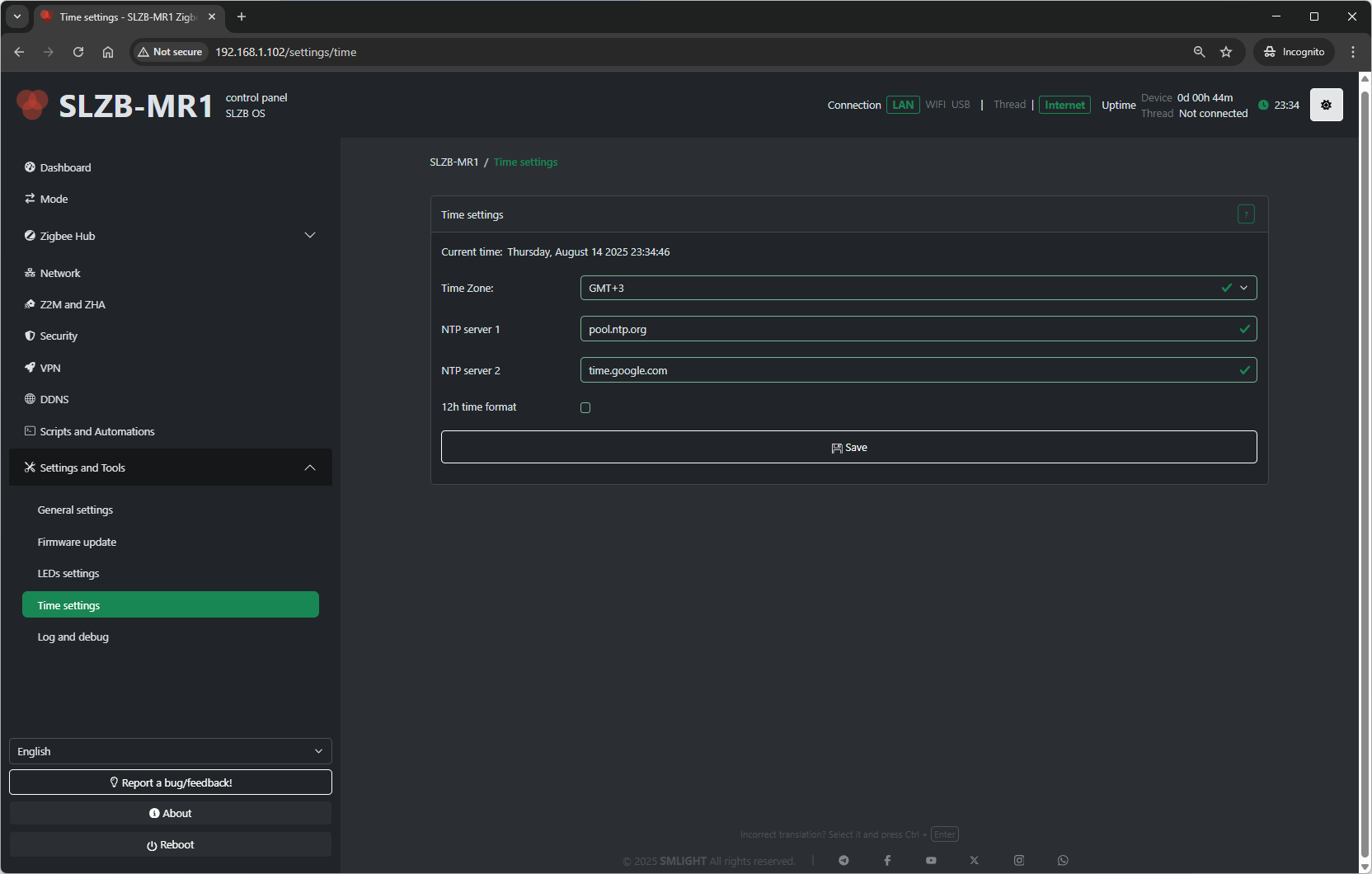
12.4.1 Time Zone
-
Select the time zone for the coordinator’s internal clock.
12.4.2 NTP Server
-
Specify the Network Time Protocol (NTP) server used for synchronization.
-
Default is a public NTP pool, but you can set a local NTP server.
12.4.3 Manual Time Set
-
Option to set time and date manually if NTP is not used.
12.5 Log and Debug
This section helps in troubleshooting and monitoring.
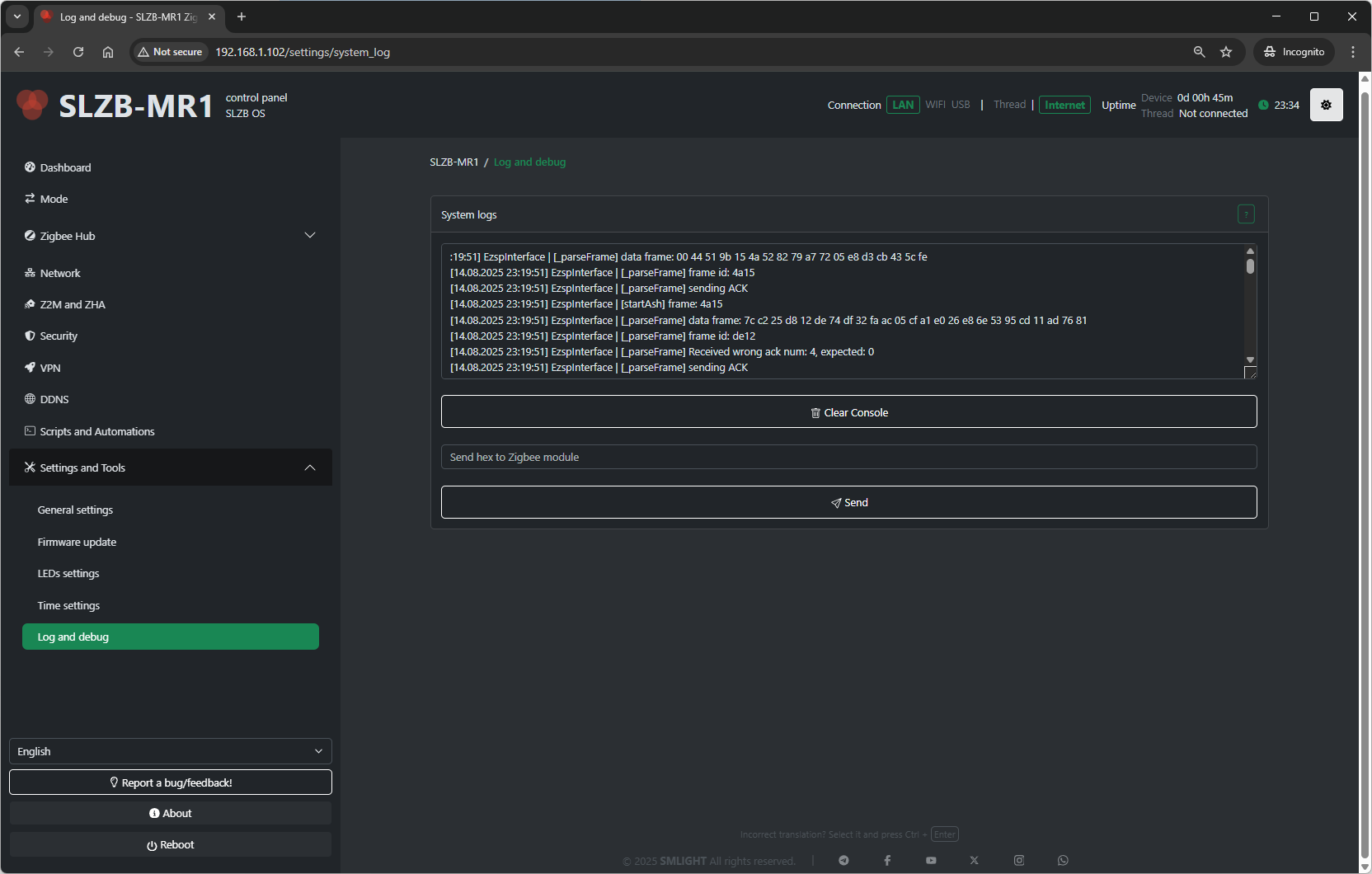
12.5.1 Clear Logs
-
Deletes all stored logs on the device.