SMHUB
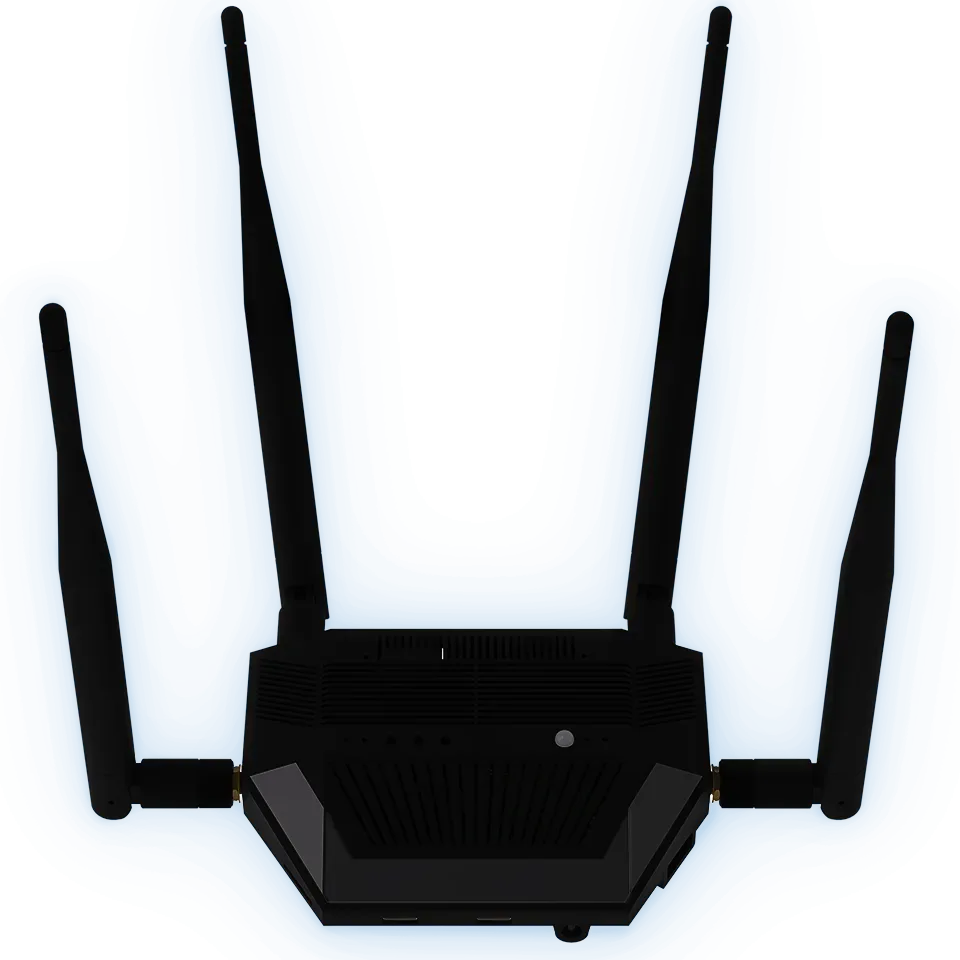
The ultimate enterprise-level hub.
A professional-grade control hub running a Linux-based system that hosts real apps locally — Zigbee2MQTT, an MQTT broker, Z-Wave JS, WireGuard, Tailscale and Matterbridge. Dual radios, rich peripherals and modular add-ons, built for 24/7 operation.
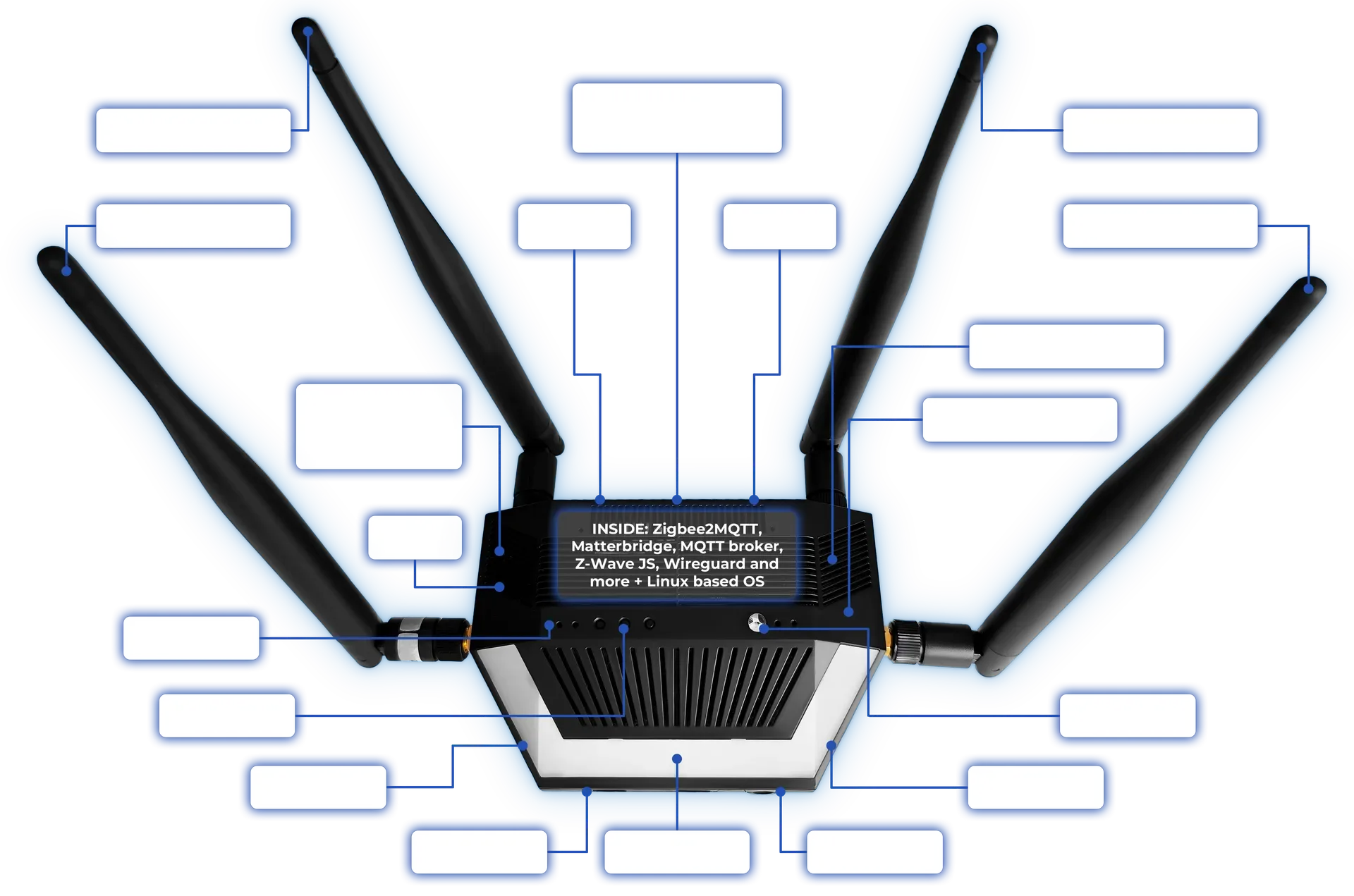
Everything, in one hub.
Dual radios, Wi-Fi 6, Bluetooth, rich peripherals and modular add-ons — all on a real Linux OS that runs your apps locally.
 Linux-based hubSMHUB-OSRuns Zigbee2MQTT, Z-Wave JS & Matterbridge on the device
 Dual Zigbee/Thread radiosTI + Silicon LabsTwo on-board radios — run two networks at once
 Wi-Fi 62.4 & 5 GHzPlus 1× RJ45 Ethernet
 Bluetooth 5.0Integrated BLEOn-board wireless
 Z-Wave moduleOptional700/800-series · Long Range · S2
 4G / LTE moduleOptionalCat-1 with GSM fallback · SIM slot
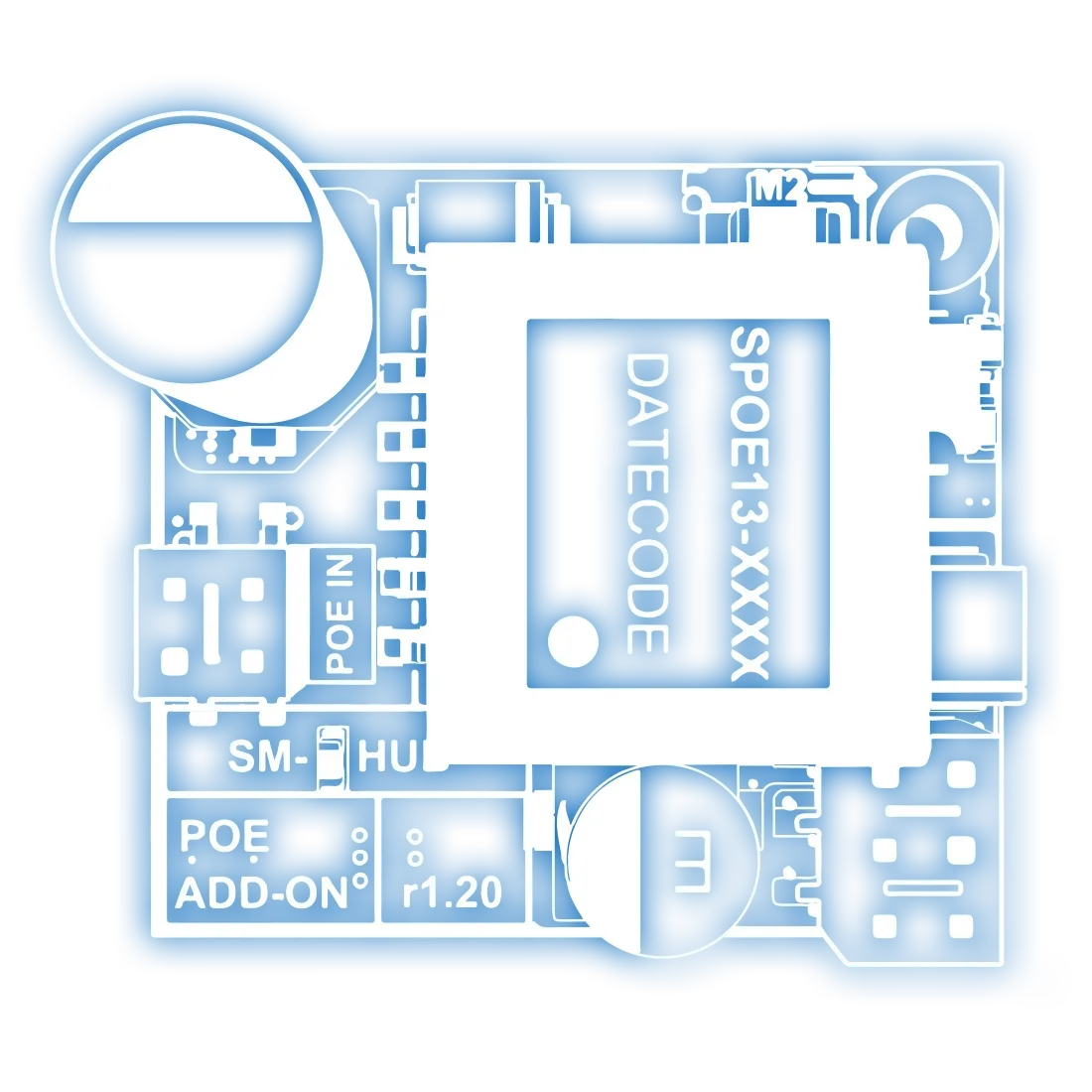
 PoE module802.3afSingle-cable power + data
 Ambilight12× WS2812BAddressable RGB status
 IR transmit + receiveIntegratedLearn and control IR devices
 WireGuard VPNSecure remoteEncrypted access from anywhere
 OTA updatesSystem & appsUpdate from the web UI
 Audio + buzzer3.5 mm outAudio output and audible alerts
The problems it solves.
One hub, your way.
See it up close.
A full smart-home stack, running locally.
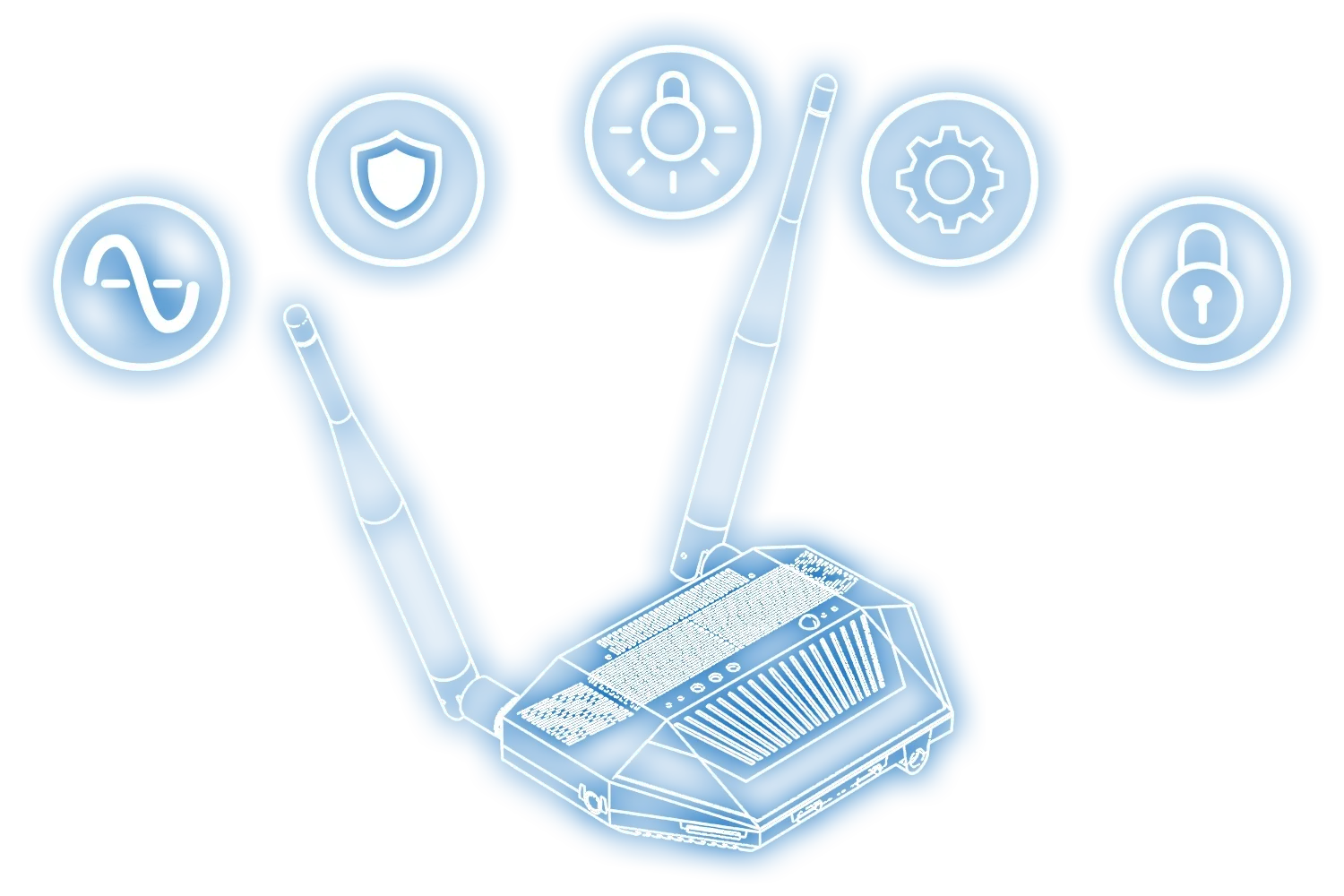
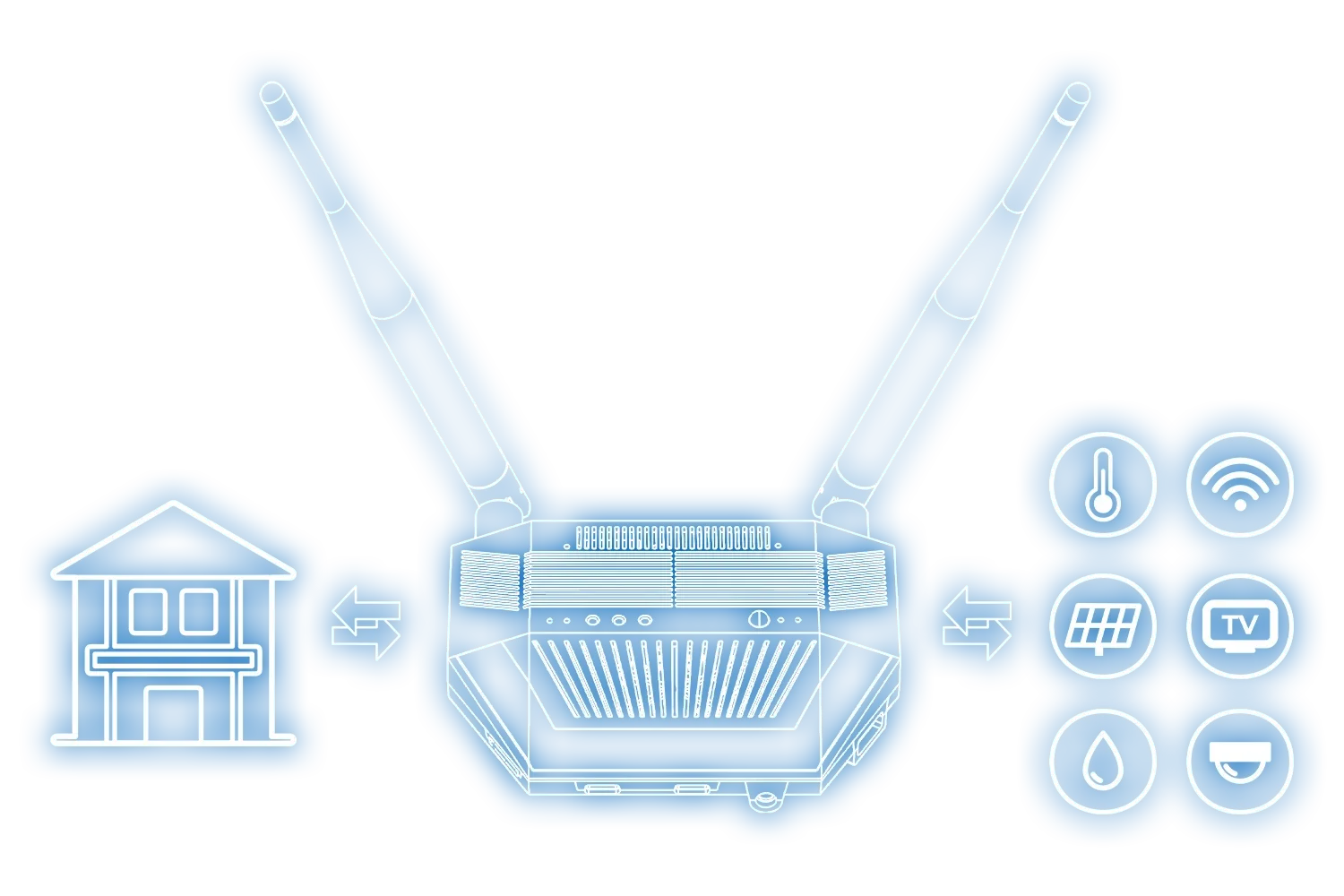
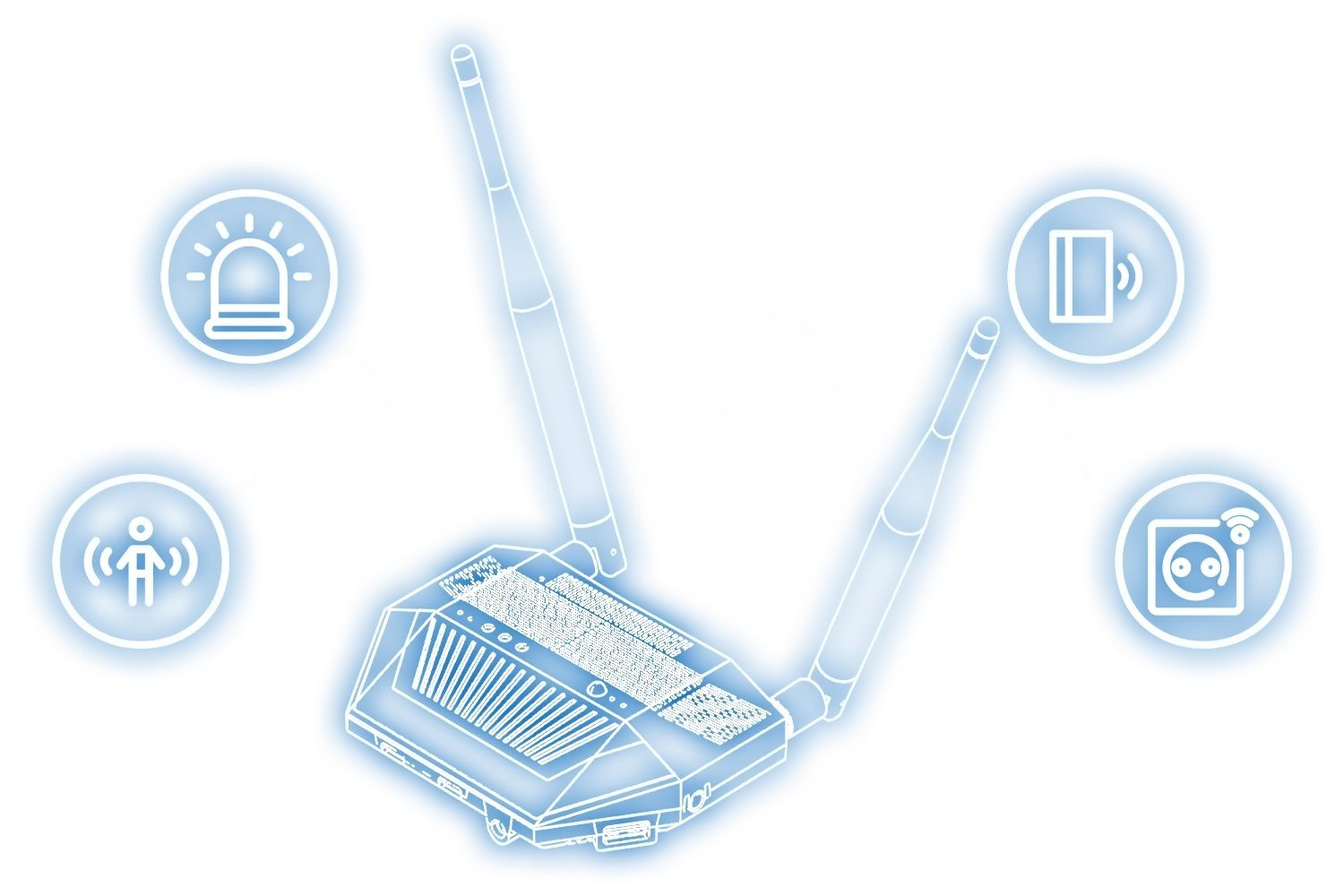
Each capability runs as a local app on the hub. Here's what you can do — and how the pieces connect.
Unlike a plain coordinator, SMHUB runs the actual software locally on its Linux OS: Zigbee2MQTT, Z-Wave JS, an MQTT broker, Matterbridge and Node-RED. Pair and manage devices right on the hub, then connect to Home Assistant, OpenHAB or any MQTT / Matter client over your network — or run standalone with no external controller at all. (Home Assistant itself runs on your own server, never on the hub.)
- Zigbee2MQTT + Z-Wave JS running on the device
- Matterbridge exposes Zigbee to Apple / Google / Alexa
- Connect to Home Assistant over MQTT — or go fully standalone
SMHUB carries two independent radios — a TI CC26xx and a Silicon Labs EFR32. Use them as two Zigbee coordinators, a Zigbee network plus a Thread border router, or a primary and a parallel/redundant network. The Premium version pairs a CC2674P10 with an EFR32MG24; Essentials pairs a CC2652P with an EFR32MG21.
- Two separate Zigbee networks on one device
- Zigbee + a dedicated Thread network
- A parallel or redundant radio for reliability
Matterbridge runs on the hub, reads devices paired through Zigbee2MQTT and exposes them as Matter devices on your local network — so your Zigbee gear appears in ecosystems that don’t normally speak Zigbee.
- Use Zigbee devices in Google Home / Apple Home / Alexa
- Mix Zigbee and Matter in one setup
- Cross-ecosystem, all local
Node-RED runs as a local app. It reacts to events from Zigbee2MQTT, MQTT, timers or other services and sends commands back — so your logic executes on the device with low latency and no cloud dependency.
- Run automations without Home Assistant
- Fast-response rules for lights, sensors, buttons
- Combine devices, timers and external APIs
The optional Z-Wave module adds 700/800-series controller functionality with Z-Wave Long Range and S2 security. Run Z-Wave JS UI locally and expose the network to Home Assistant.
- Z-Wave locks, sensors and switches locally
- Z-Wave Long Range coverage
- Mixed Zigbee + Z-Wave + Thread on one hub
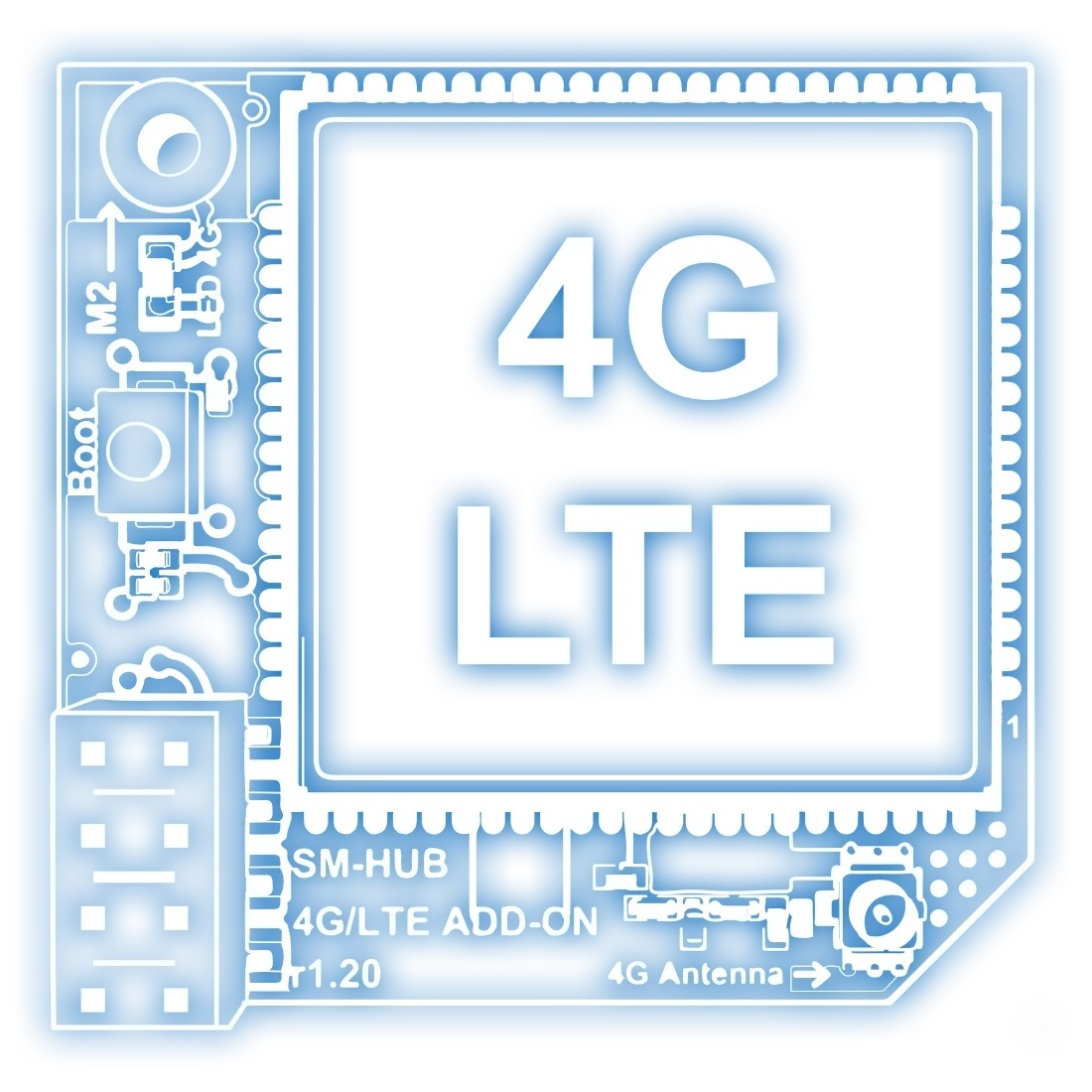
The optional 4G/LTE module adds Cat-1 mobile connectivity with GSM/EDGE fallback and a SIM slot, turning SMHUB into a self-contained gateway — as a primary link for remote sites or a backup when the wired connection drops.
- Remote or hard-to-reach installations
- Backup WAN for critical automations
- Mobile or temporary deployments
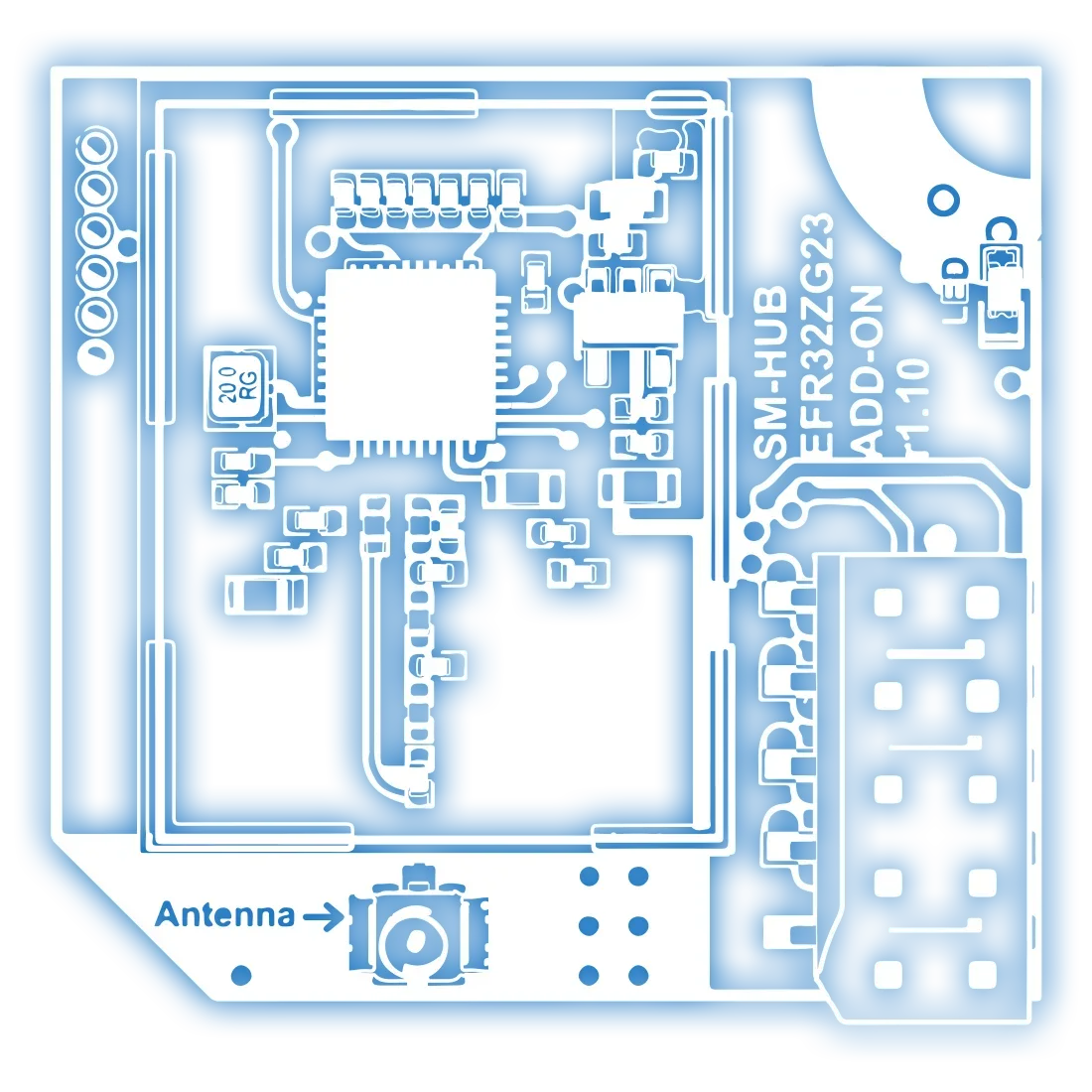
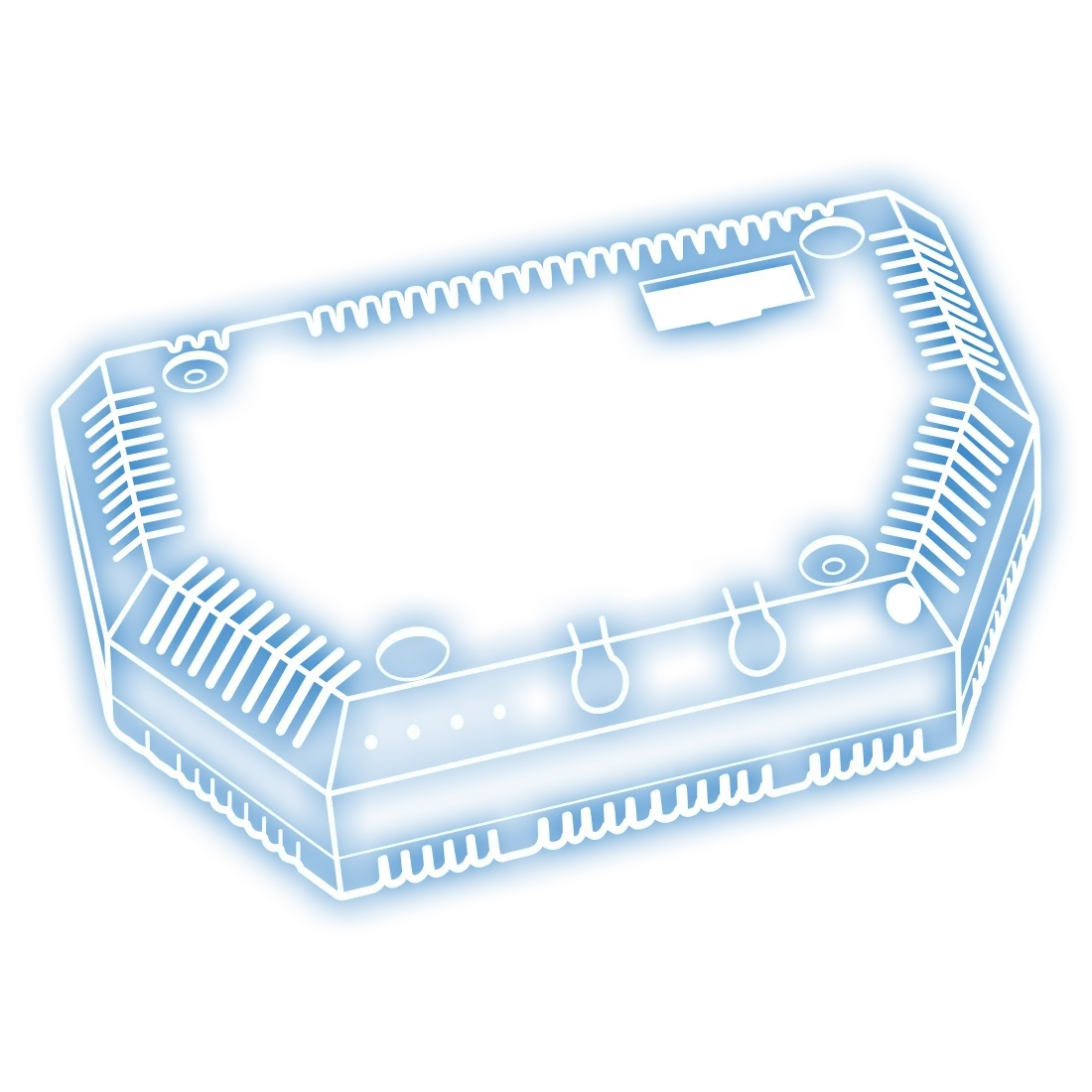
Grows with you. Click-in modules.
Essentials or Premium.
Same enclosure, same SMHUB-OS, same apps and peripherals — the difference is the radio silicon.
| Radio | SMHUB Essentials | SMHUB Premium |
|---|---|---|
| Primary (TI CC26xx) | CC2652P | CC2674P10 |
| Secondary (Silicon Labs EFR32) | EFR32MG21 | EFR32MG24 |
| Everything else | Wi-Fi 6 · BLE · full app stack · all peripherals | Wi-Fi 6 · BLE · full app stack · all peripherals |
Every number.
| Core system | Value |
|---|---|
| CPU | 2 cores · 1 GHz + 700 MHz |
| RAM | 512 MB |
| Storage | 8 GB eMMC |
| microSD | Supported, up to 2 TB |
| OS | Linux kernel · modular app support |
| Power | USB-C (power & upstream) · optional PoE module · optional UPS connector |
| Radios | Value |
|---|---|
| Zigbee / Thread — primary | CC26XX — CC2652P (Essentials) / CC2674P10 (Premium) |
| Zigbee / Thread — secondary | EFR32XX — EFR32MG21 (Essentials) / EFR32MG24 (Premium) |
| Wi-Fi | Wi-Fi 6 · 2.4 GHz & 5 GHz |
| Bluetooth | Integrated BLE 5.0 |
| Z-Wave | Optional, via Z-Wave module |
| 4G / LTE | Optional, via 4G/LTE module |
| Antennas | Value |
|---|---|
| Zigbee | External antenna (5 dB) |
| Thread | External antenna (5 dB) |
| Wi-Fi | Integrated IPEX, expandable 5 dB |
| Bluetooth | Integrated IPEX, expandable 5 dB |
| Networking & I/O | Value |
|---|---|
| Ethernet | 1 × RJ45 (10/100 Mbps) |
| USB | 1 × USB-A + 2 × USB-C (downstream) · 1 × USB-C (power & upstream) |
| DIY headers | UART · I²C · SPI · GPIO |
| Peripherals | Value |
|---|---|
| Infrared | Transmitter + receiver |
| Buzzer | Integrated |
| Ambilight | 12 × WS2812B addressable RGB |
| Audio | 3.5 mm output |
| User control | 3 × buttons + 4 × service LEDs |
| Physical & environmental | Value |
|---|---|
| Operating temp | 0 – 50 °C |
| Cooling | Passive · silent · fanless |
| Software & security | Value |
|---|---|
| Pre-installed apps | Zigbee2MQTT · Matterbridge · Mosquitto · Node-RED · WireGuard · Node.js |
| Firmware | OTA updates supported |
| Security | Local-first · encrypted connections |
Where SMHUB fits.
 SMHUB SMHUB |  SLZB-06x SLZB-06x |  SLZB-MRx SLZB-MRx | |
|---|---|---|---|
| Role | Enterprise Linux hub with local apps | Ethernet/Wi-Fi Zigbee or Thread coordinator | Advanced multi-radio coordinator |
| Operating system | Linux-based — runs apps directly | SLZB-OS — no app install | SLZB-OS — no app install |
| Apps & services | Zigbee2MQTT, Matterbridge, Node-RED, Mosquitto | Not supported | Not supported |
| Expandability | PoE, Z-Wave, LTE, USB, storage | Fixed; -U series expandable via USB | Fixed; -U series expandable via USB |
| Best for | Business, enterprise, professionals, integrators | DIY enthusiasts & smart-home builders | Demanding users needing multi-radio |
| SMHUB |  Raspberry Pi + USB Raspberry Pi + USB |  All-in-one hubs All-in-one hubs | |
|---|---|---|---|
| Setup | Out-of-box, pre-configured | Manual OS install, add-ons required | Out-of-box |
| Multi-radio | Multiple on-board + modular expansion | Wi-Fi/BT only — USB sticks needed | Usually fixed, not modular |
| Expandability | PoE, Z-Wave, LTE, USB, SD/eMMC, UART, I²C, SPI | USB or GPIO limited | Mostly closed |
| Integration | Zigbee2MQTT, Node-RED, Matterbridge, WireGuard | Possible but manual | Limited to the vendor ecosystem |
| Audience | Corporate, professionals, advanced enthusiasts | DIY makers & hobbyists | Consumers wanting simplicity |
Common questions.
What is SMHUB?
A professional-grade smart control hub running a Linux-based system. It supports Zigbee, Thread, Wi-Fi 6 and Bluetooth radios plus optional Z-Wave and 4G/LTE, with Ethernet, USB and add-on modules, and hosts open-source apps like Zigbee2MQTT, Matterbridge, Node-RED, Mosquitto and WireGuard locally.
Can it work as both a hub and a coordinator?
Yes. It can run apps locally as a standalone hub, or act as a coordinator only — the hardware manages the radios while control software runs elsewhere. It can also expose Zigbee devices to any Matter ecosystem via Matterbridge.
Which platforms does it support?
Home Assistant, OpenHAB, HomeSeer and other systems that speak Zigbee2MQTT, Z-Wave JS or MQTT. Via Matterbridge it can also integrate with Google Home or Apple Home.
Which radios are supported out of the box?
Zigbee, Thread, Wi-Fi and Bluetooth, plus support for Z-Wave and 4G/LTE add-on modules.
Can I use it without an internet connection?
Yes — it runs fully offline for local automation. Internet is only needed for cloud services or remote access.
How do I configure it?
Through the web interface for system configuration and app management. Connect it to your network and open https://smhub.local in your browser.
Does it support Matter?
Yes — through Matterbridge, it bridges Zigbee devices into Matter ecosystems such as Google Home or Apple HomeKit.
Which add-ons are available?
PoE 802.3af, Z-Wave and 4G/LTE modules, a UPS module (in development), plus USB and DIY (UART/I²C/SPI) expansion.
Are all hardware features enabled today?
The device works today with its on-board CC26XX and EFR32XX radios and Ethernet. Some peripherals (IR, audio output, SD card, UPS connector, USB) are present and tested in hardware but still being enabled in production firmware.
Can it be updated to enable more features?
Yes. Firmware and software updates gradually unlock more peripherals and functions.
What makes it different from other hubs?
Multiple radios (Zigbee + Thread + Wi-Fi + Bluetooth, plus optional Z-Wave/4G/LTE), a Linux-based OS (SMHUB-OS), local hosting of open-source apps, modular add-ons, and expandable hardware with many I/O options.
Do I need technical knowledge to use it?
Basic setup is straightforward through the web interface. Advanced users can go further via hardware (USB/UART/SPI/I²C) and software customization.
Get your SMHUB.
Ships worldwide from our web stores and distributor network. Choosing between Essentials and Premium, picking add-on modules, or buying in volume? Our sales team is one email away.