Your USB gear, on the whole network.
U2L-Sharer is a firmware that turns your SLZB-U2L into a network USB server. Plug in a printer, a scanner, a Bluetooth adapter — almost any low-bandwidth USB device — and it appears on a remote PC exactly as if it were plugged into that PC directly.
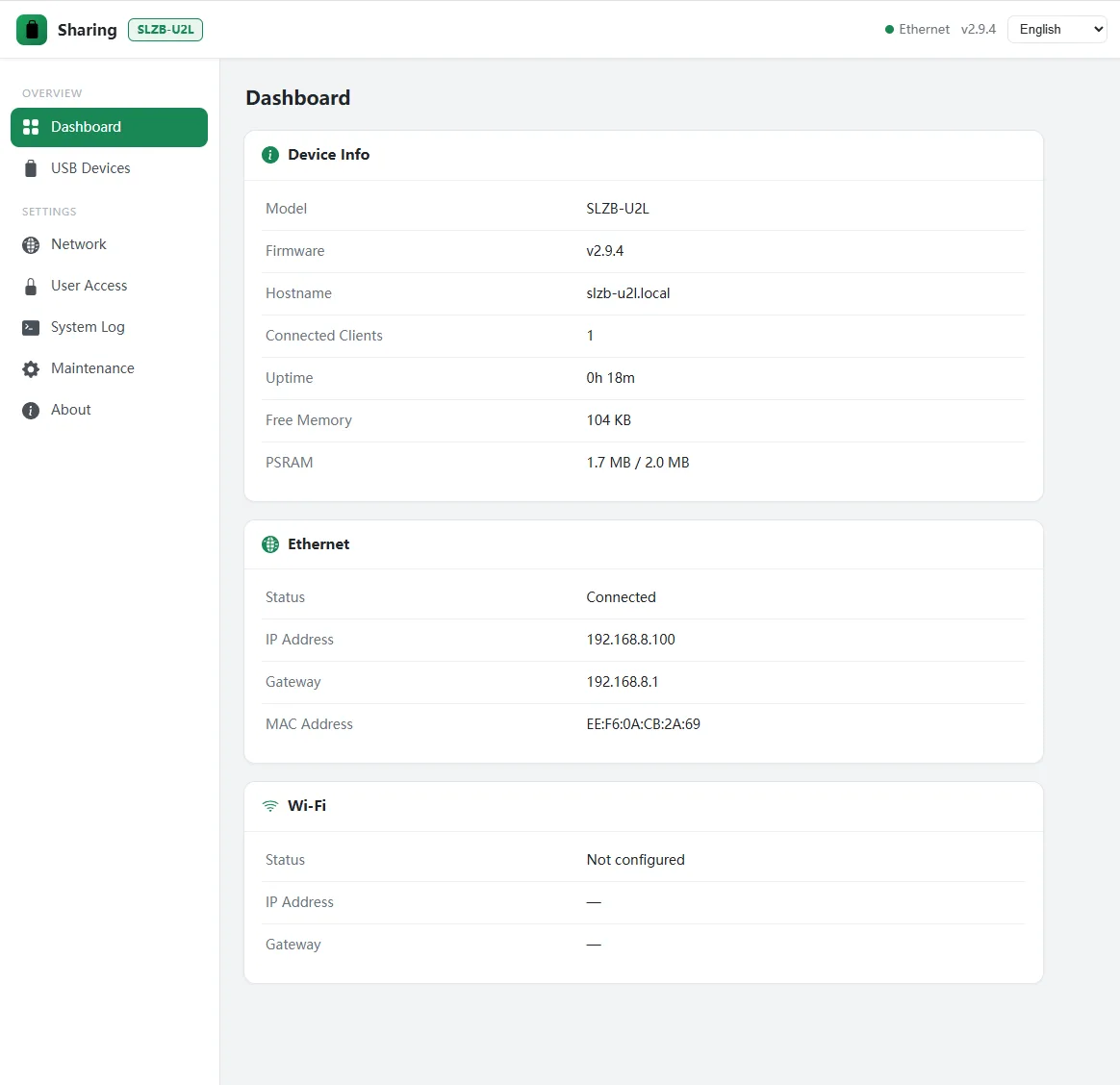
Plug a USB device into the SLZB-U2L and U2L-Sharer shares it across the LAN. On the remote computer it appears as real local hardware — the same as if you had plugged it into that machine — over the standard USB/IP protocol. It shares one low-bandwidth device at a time, since the SLZB-U2L runs on a modest, low-powered ESP32-S3.
Share the office printer, a scanner or a label printer to every PC on the LAN — no dedicated print server needed.
Bluetooth adapters, HID interfaces, USB IR blasters, serial adapters and security keys — any low-bandwidth USB device.
On the remote PC the device shows up exactly as if it were plugged in there — same drivers, same behaviour. Attach in one click.
Flash it onto the SLZB-U2L you already own — the sharing server boots straight up, no extra hardware needed.
Flash, plug in, attach.
- 1Flash U2L-Sharer onto your SLZB-U2L
Write the image over the stock firmware’s web OTA, or with esptool for a first flash. It boots straight into the sharing server.
- 2Plug in a USB device and Ethernet
Anything you plug into the U2L is shared on the LAN automatically. A solid green LED means the network is ready; blue means a device is live.
- 3Attach it from your computer
Install the SMLIGHT USB Manager on Windows (or use usbip on Linux). Your device shows up, one click to attach — and it behaves exactly like local hardware.
Your USB, unplugged from the PC.
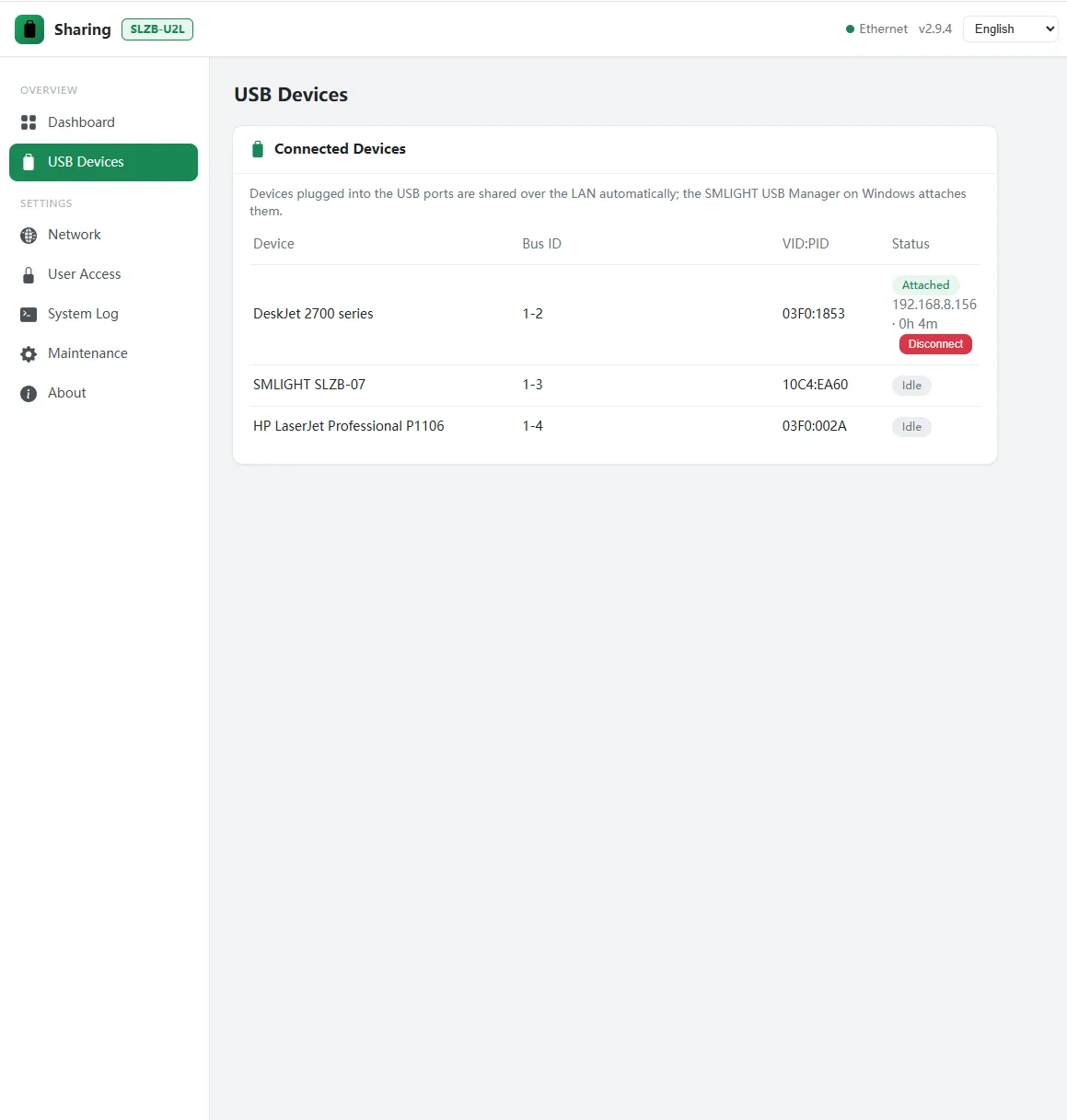
Put the printer or scanner on the network
Park a USB printer, scanner or label printer on the SLZB-U2L and reach it from every computer in the house or office — no dedicated print server, no cable trailing across the room. It shows up on each PC as an ordinary local device.
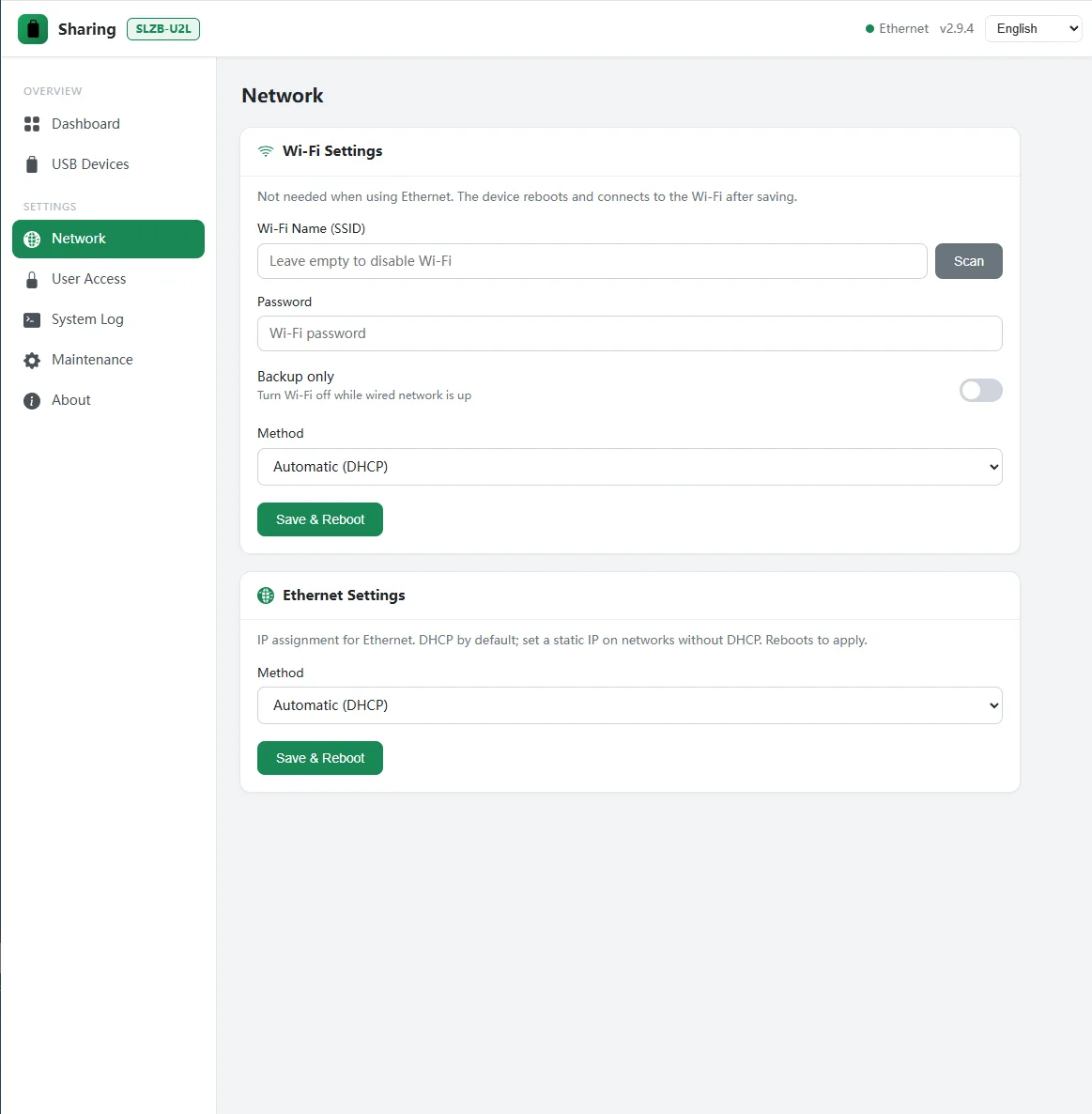
Any low-bandwidth USB device
Bluetooth adapters, USB IR blasters, HID interfaces, CP210x / CH340 serial adapters, licence and security dongles — keep the device on the U2L wherever the socket is convenient and reach it from any PC on the LAN, exactly as if it were plugged into that PC.
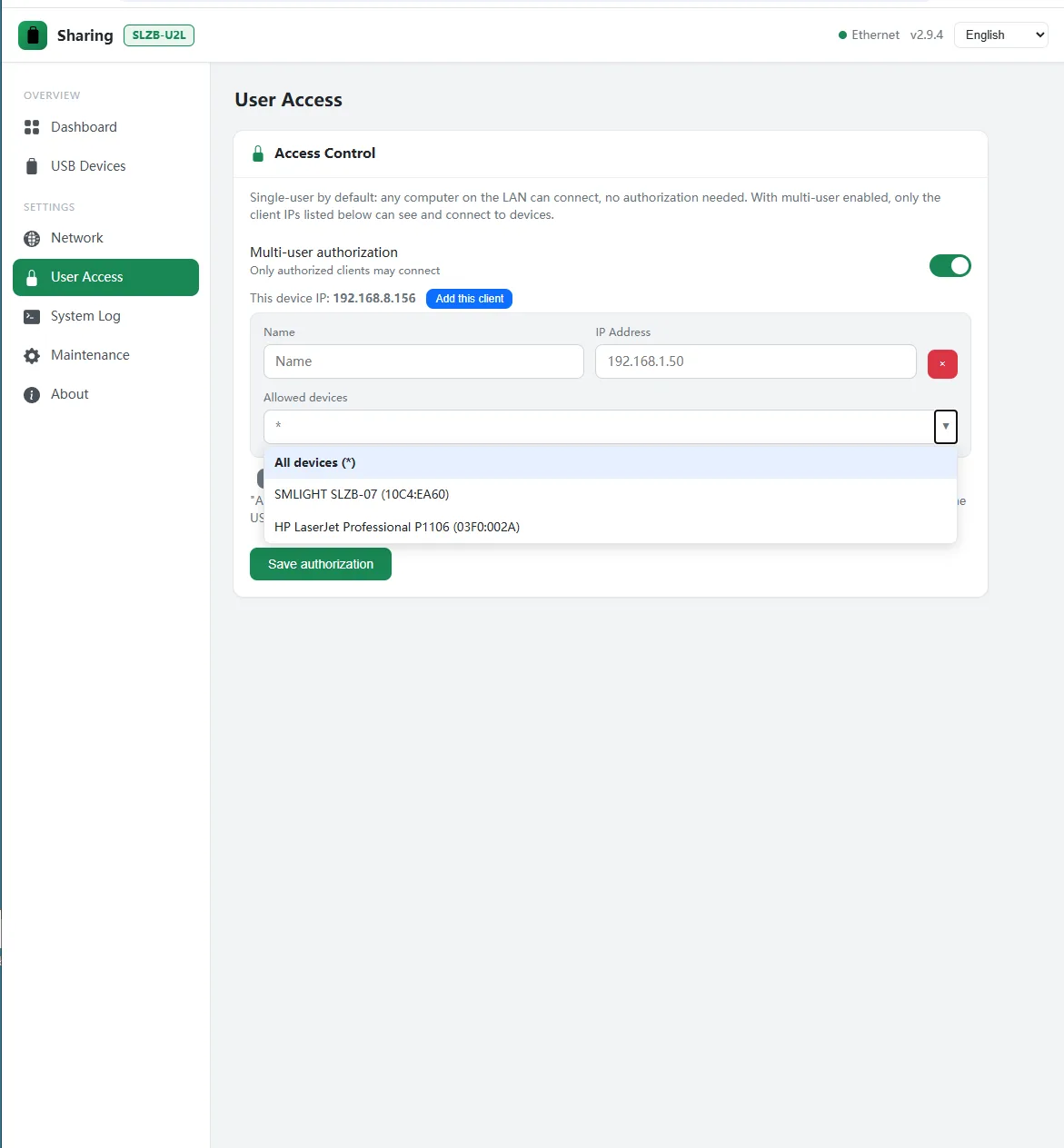
One tidy web console.
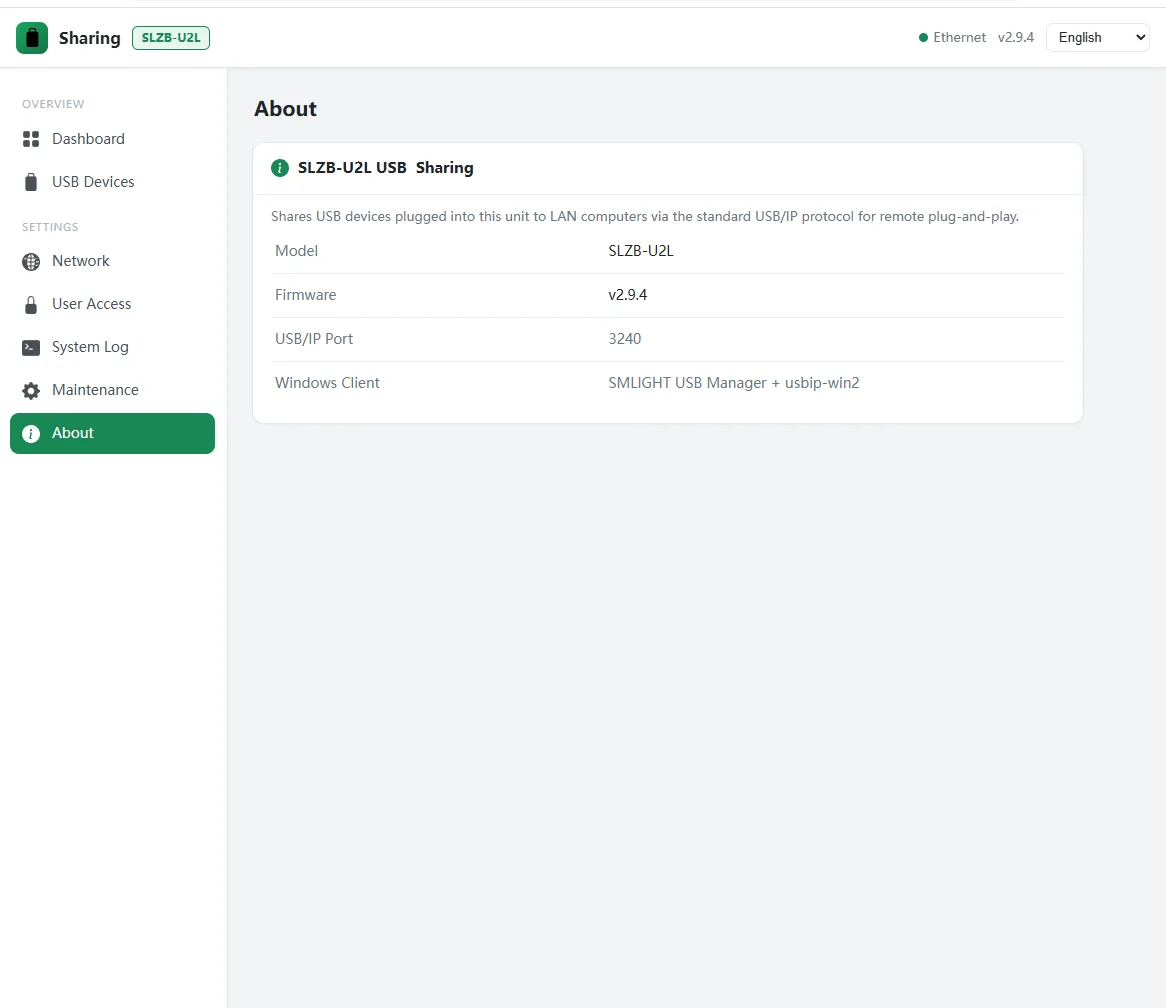
The essentials.
- Runs on
- SLZB-U2L (ESP32-S3)
- Protocol
- Standard USB/IP over TCP, port 3240
- Windows client
- SMLIGHT USB Manager (tray app) + usbip-win2
- Linux client
- Stock usbip — attach by name or IP
- Web UI
- EN · ZH · UK · DE · FR · ES · OTA · access control · live log
- Networking
- Ethernet (DHCP / static) + Wi-Fi + mDNS auto-discovery
- Works with
- Low-bandwidth USB devices — printers, scanners, Bluetooth adapters, HID interfaces, USB IR blasters, serial dongles, security keys.
- One at a time
- Shares a single USB device at a time — a limit of the SLZB-U2L’s low-powered ESP32-S3 SoC.
- Not supported
- High-bandwidth devices — sound cards, cameras, webcams, fast storage. Beyond what the low-powered ESP32-S3 can drive.
- Footprint
- ~1.4 MB flash · RAM ~22%
Get U2L-Sharer.
Grab the firmware and the SMLIGHT USB Manager, follow the manual, and you are sharing USB over the network in minutes. Runs on the SLZB-U2L.