
SLZB-OS API endpoints
General information
The SLZB-OS operating system has several API channels: HTTP, SSE and MQTT.
When using any of these channels, it is not recommended to send more than one request per second.
A large number of requests per second can slow down the coordinator and negatively affect stability.
HTTP API
- Used by the device's web interface.
- Processed by the built-in web server.
- Single-threaded, all requests are processed in turn
- NO HTTPS SUPPORT! (And it is not planned)
Web-interface API endpoints
Not documented and may change without notice. The primary purpose is for internal use by the web interface system!
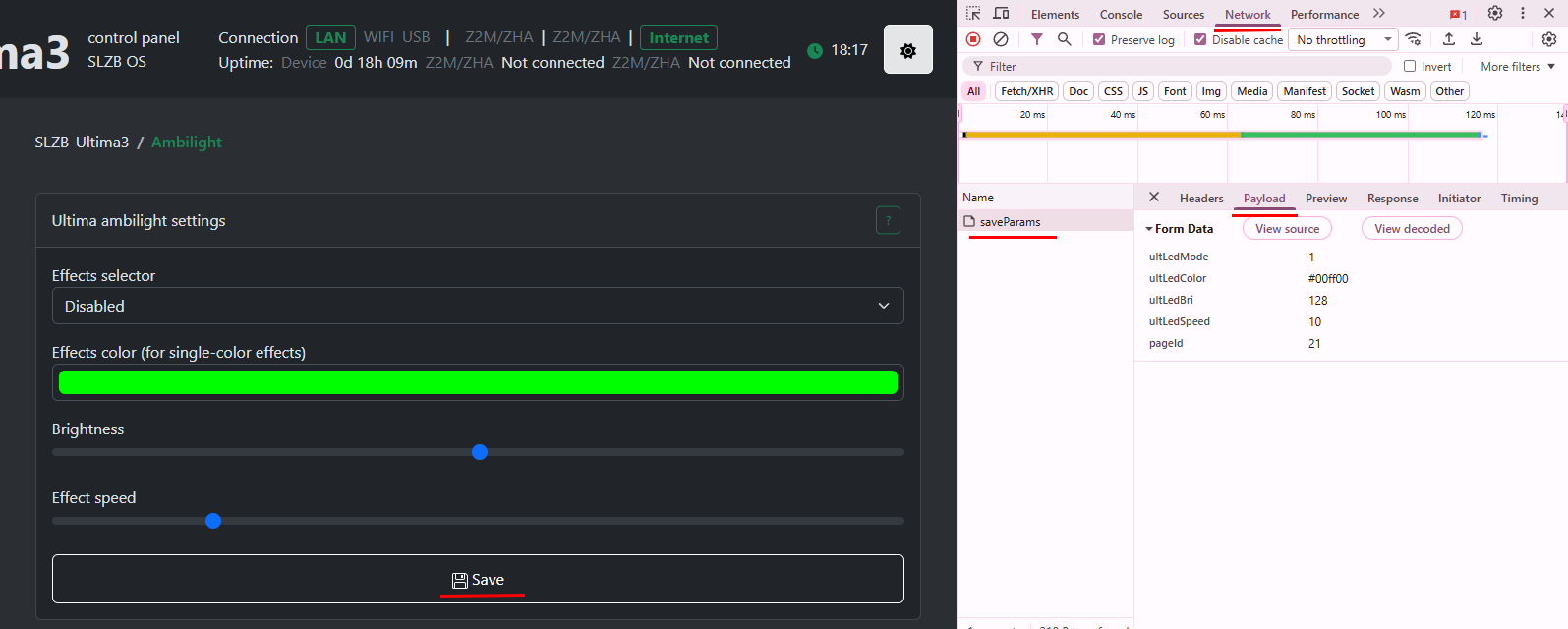
You can find all the queries in the developer tools in your browser:
Prometheus metrics
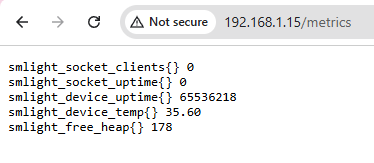
Endpoint: /metrics
SSE
https://en.wikipedia.org/wiki/Server-sent_events
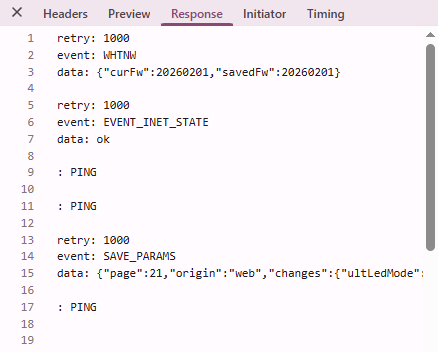
Endpoint: /events
Home Assistant endpoints
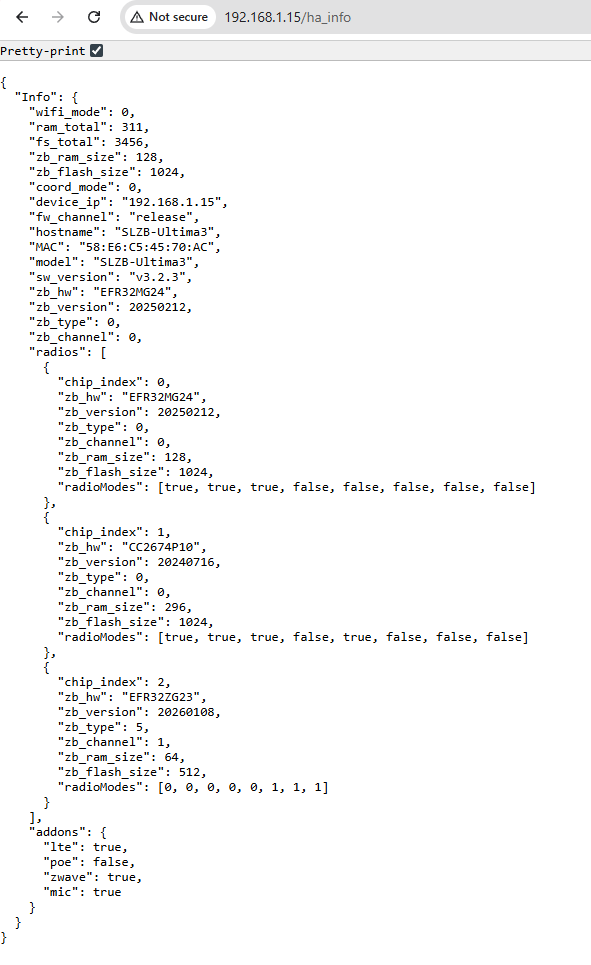
General device information: /ha_info
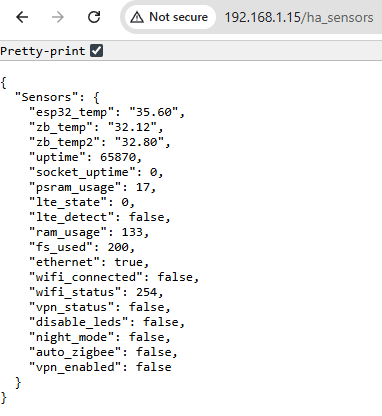
Real time sensors: /ha_sensors
MQTT API
This API is available from firmware v3.2.4
zHub MQTT API can be found here: https://smlight.tech/support/manuals/books/slzb-os/page/mqtt-api
SLZB-Ultima specific
Ultima has a special API for interacting with IR, Ambilight, Buzzer, etc. Other models don't have this!
Buzzer Control
Buzzer control topic: <Base topic>/api2/write/buzzer
Payload: RTTTL sound pattern
Example: Arkanoid:d=4,o=5,b=140:8g6,16p,16g.6,2a#6,32p,8a6,8g6,8f6,8a6,2g6
IR Learn & Replay
IR Learn
Topic: <Base topic>/api2/status/ir
The OS will send information about all received IR messages to this topic.
Example message below:
{
  "raw": "472209080a190909090809080a08090809090908090909080a070a08091a090809080a0809080a080908090909080a0809190a0809080909090809080a0809080a08091a0908091a0a19091a09190a080908091a0a0809190a190a19091a09080a190a",
  "proto": 11,
  "addr": "0x0008",
  "cmd": "0x003d"
}
Replay
Topic: <Base topic>/api2/write/ir
To send an IR message you need to send the RAW IR code to this topic!
Example message below:
472209080a190909090809080a08090809090908090909080a070a08091a090809080a0809080a080908090909080a0809190a0809080909090809080a0809080a08091a0908091a0a19091a09190a080908091a0a0809190a190a19091a09080a190aAmbilight
Topic: <Base topic>/api2/write/ambilight
Payload example:
{"color":"#00ff00","bri":128,"effect":2,"speed":10}color - LEDs color in #RRGGBB hex format.bri - Brightness from 1 to 255effect - effect to be installed. You can choose between: 0 - Solid, 1 - LEDs disabled, 2 - Blur, 3 - Rainbow.speed - speed for this effect. Range: 1 - 50