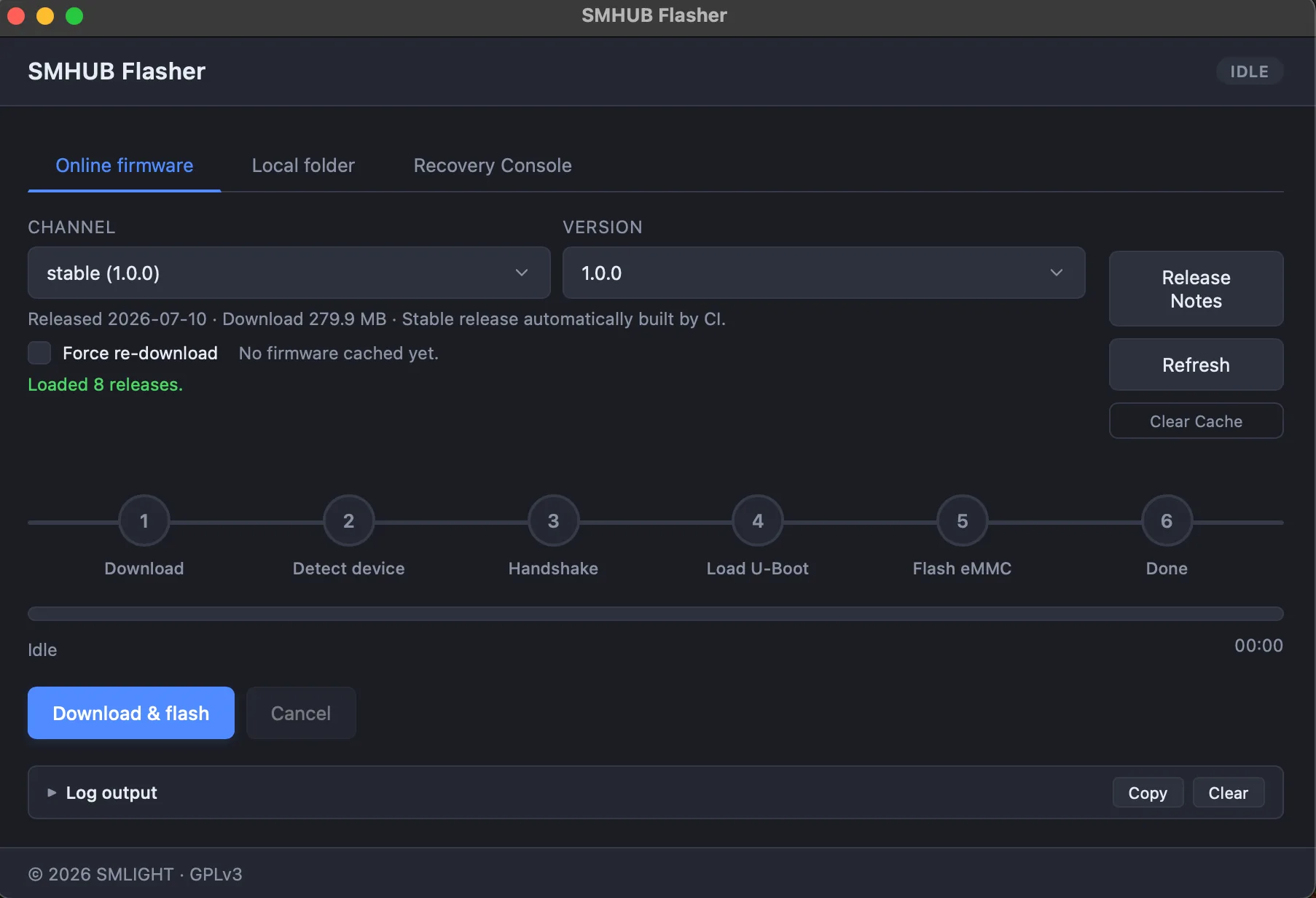
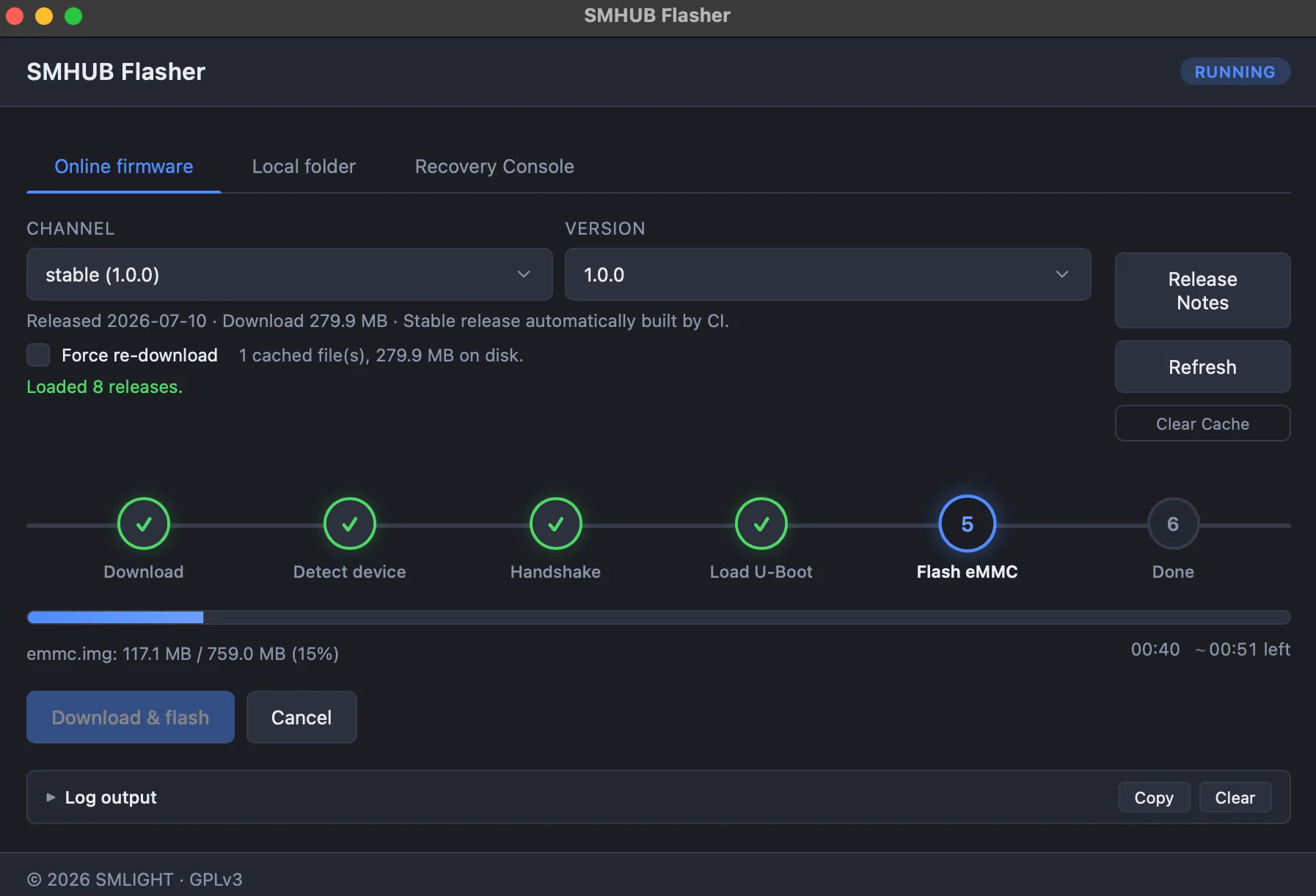
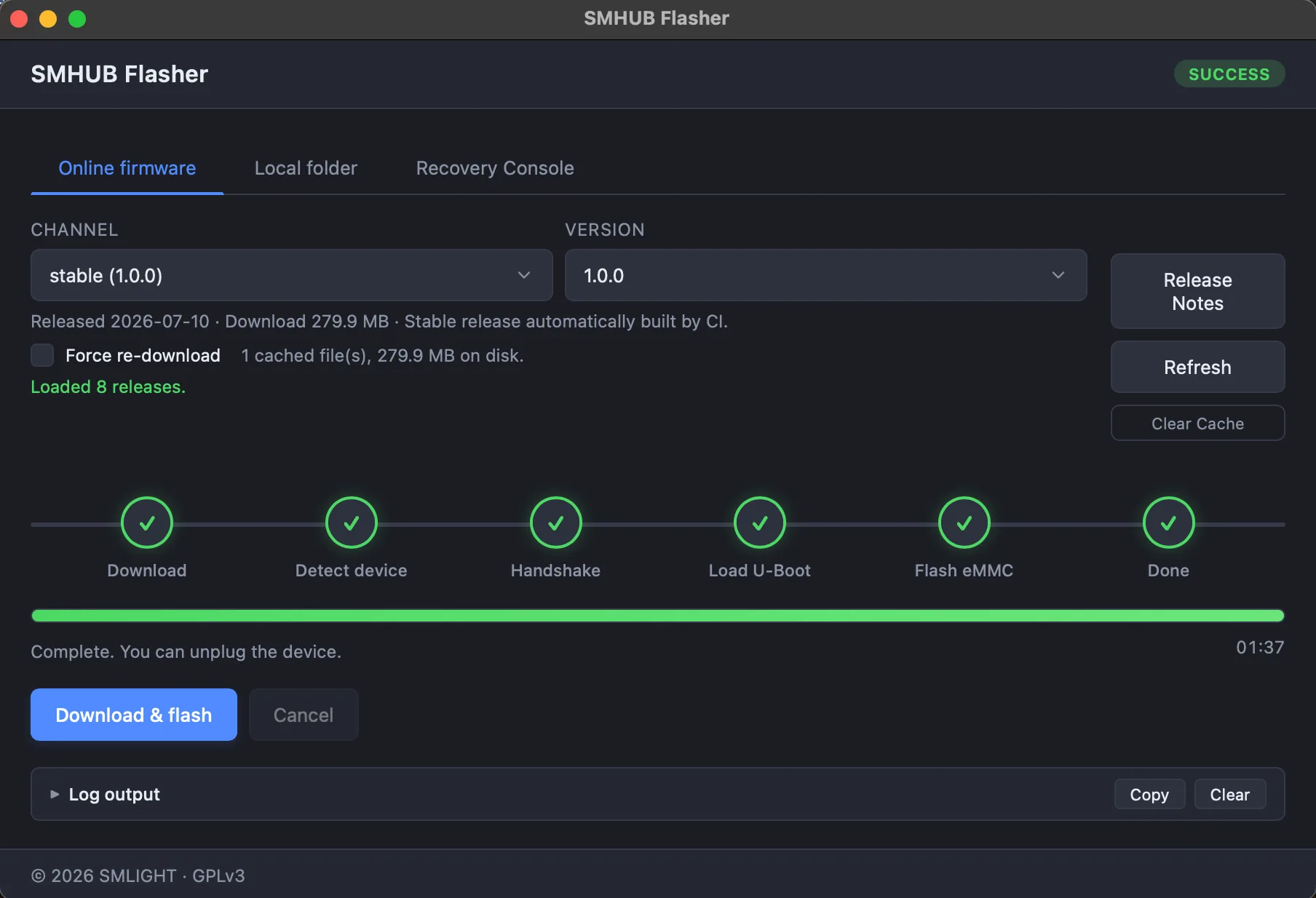
SMHUB Flasher — flash or rescue your hub in minutes
Meet SMHUB Flasher — a free, cross-platform app (and CLI) that flashes or recovers your SMHUB over USB in about a minute and a half. It downloads the right firmware automatically, walks you through every step, and includes a recovery console to rescue an unbootable hub. Windows, macOS and Linux.
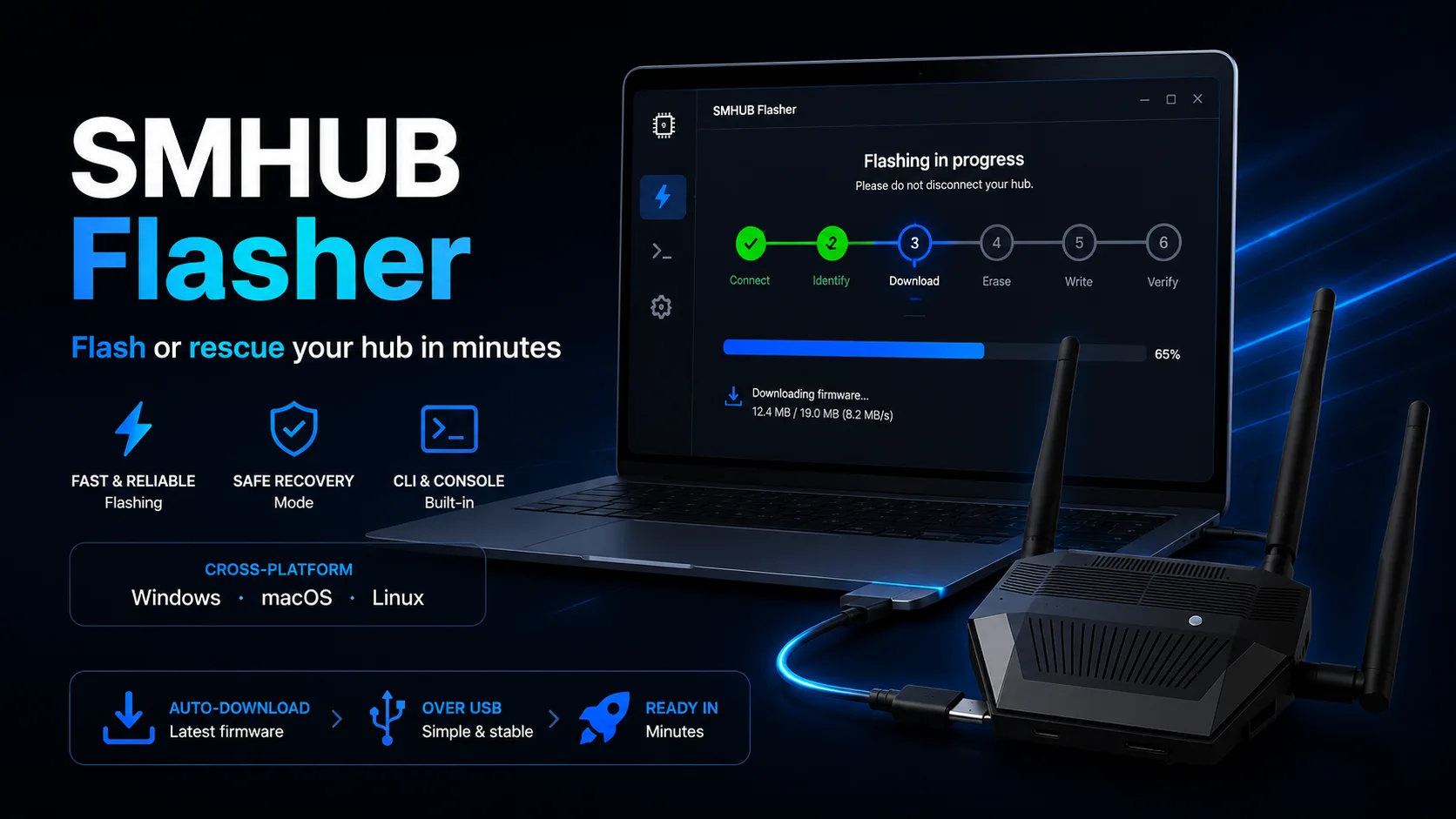
Meet SMHUB Flasher — the easiest way to put fresh firmware on your SMHUB, or bring an unbootable one back to life. Connect your hub to any Windows, macOS or Linux computer over USB and the app handles the rest: it fetches the right firmware, walks you through every step, and finishes in about a minute and a half.
Flash in about a minute and a half
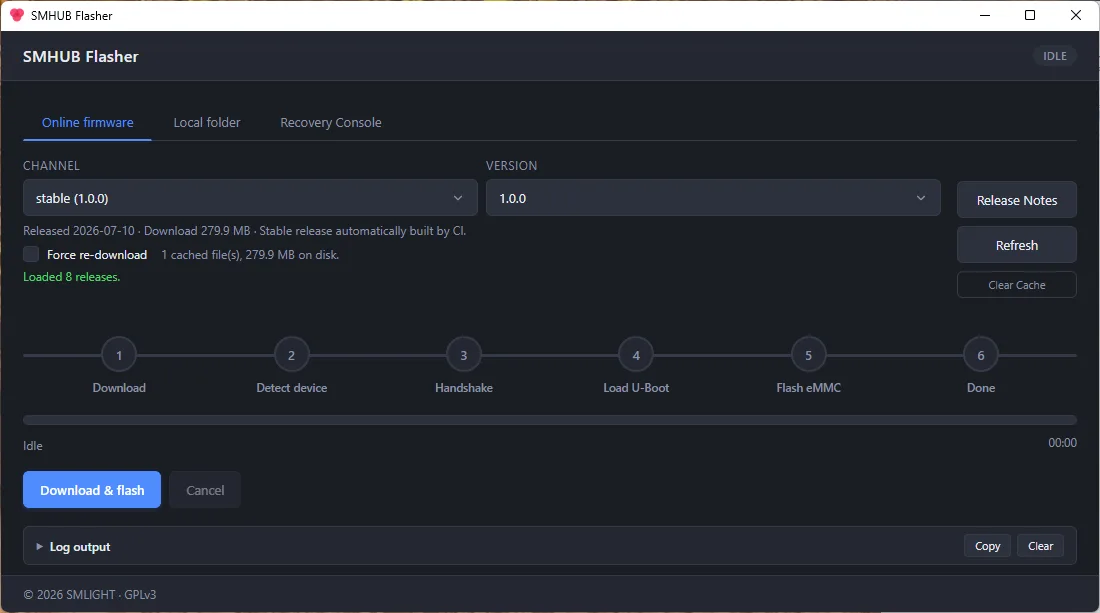
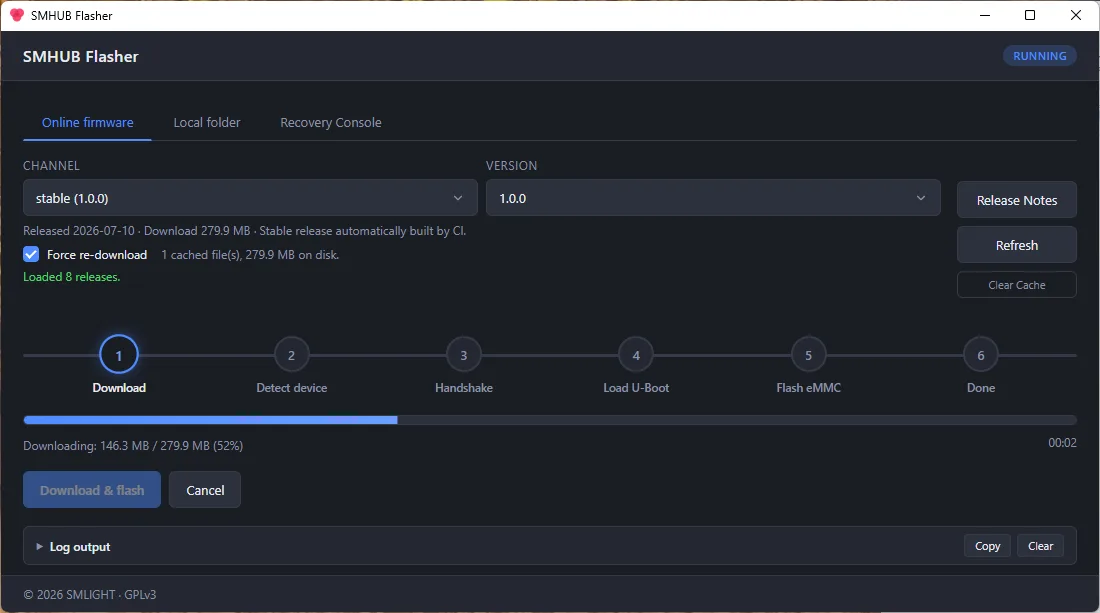
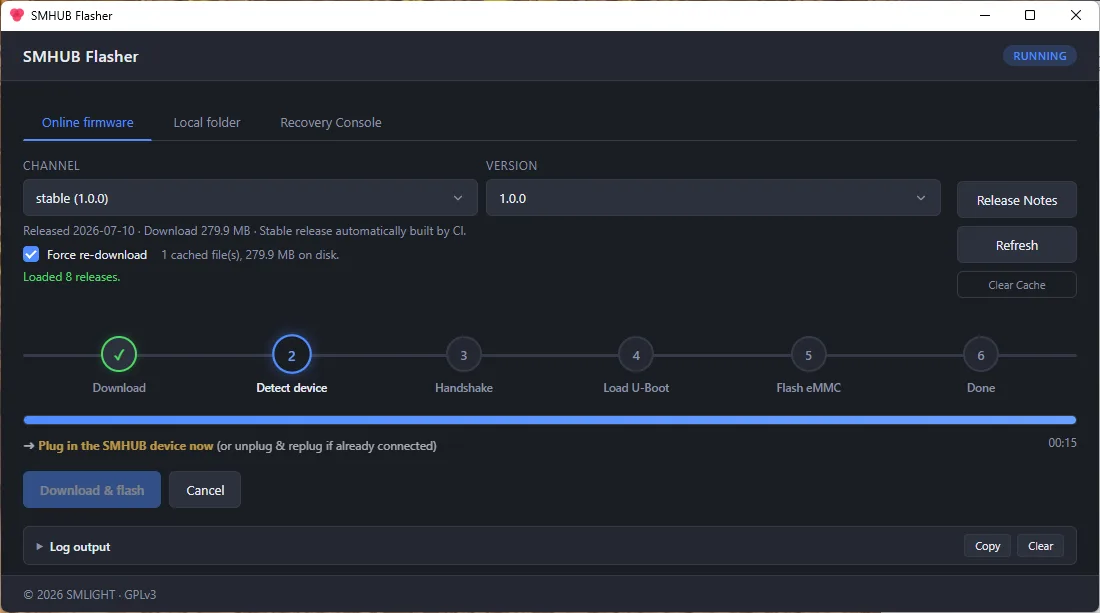
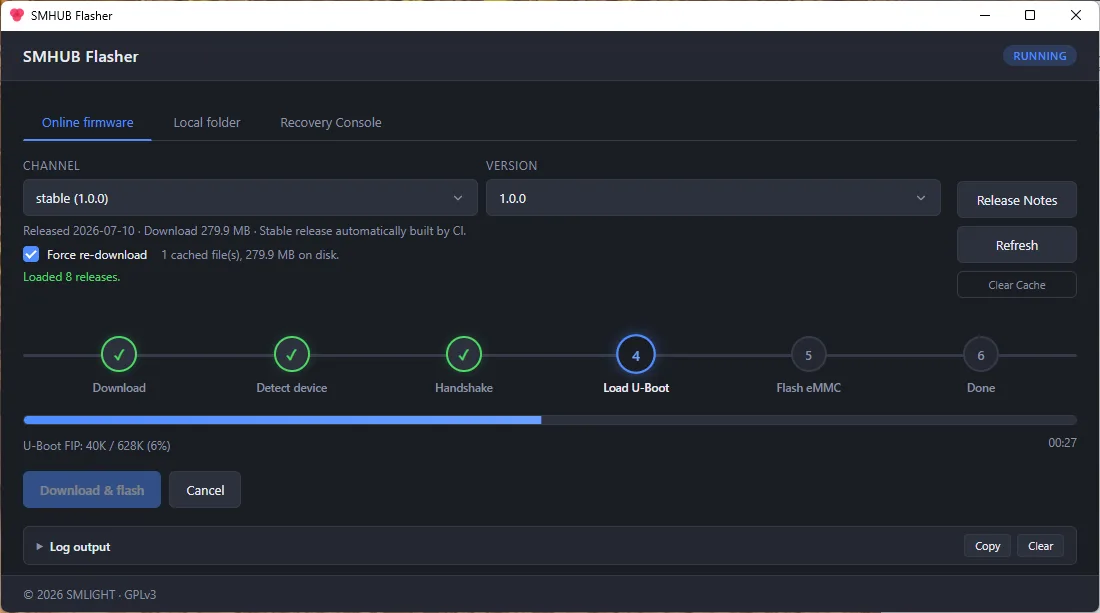
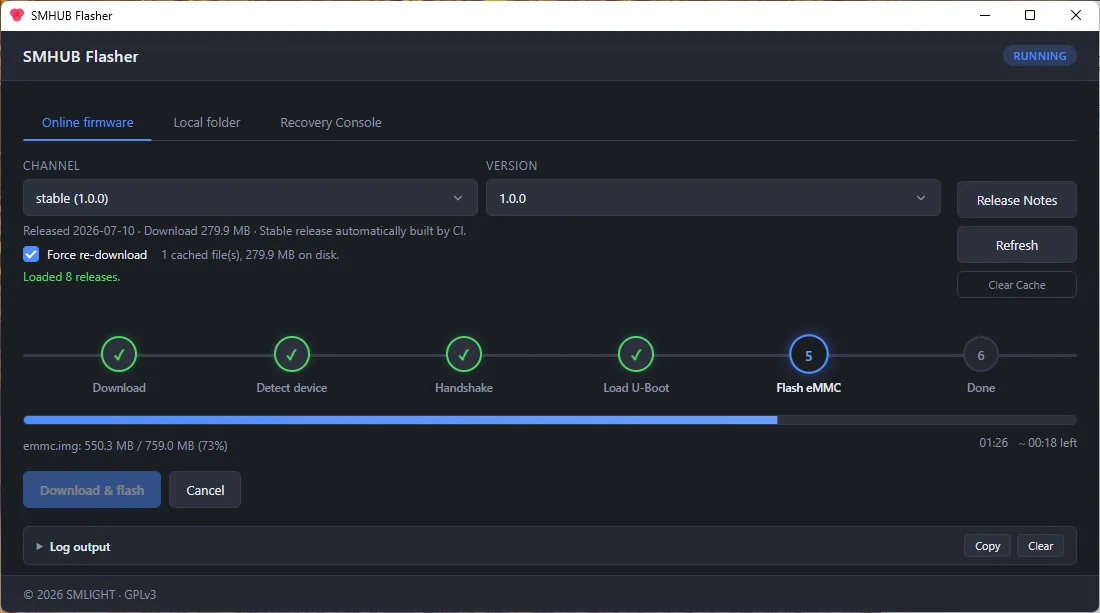
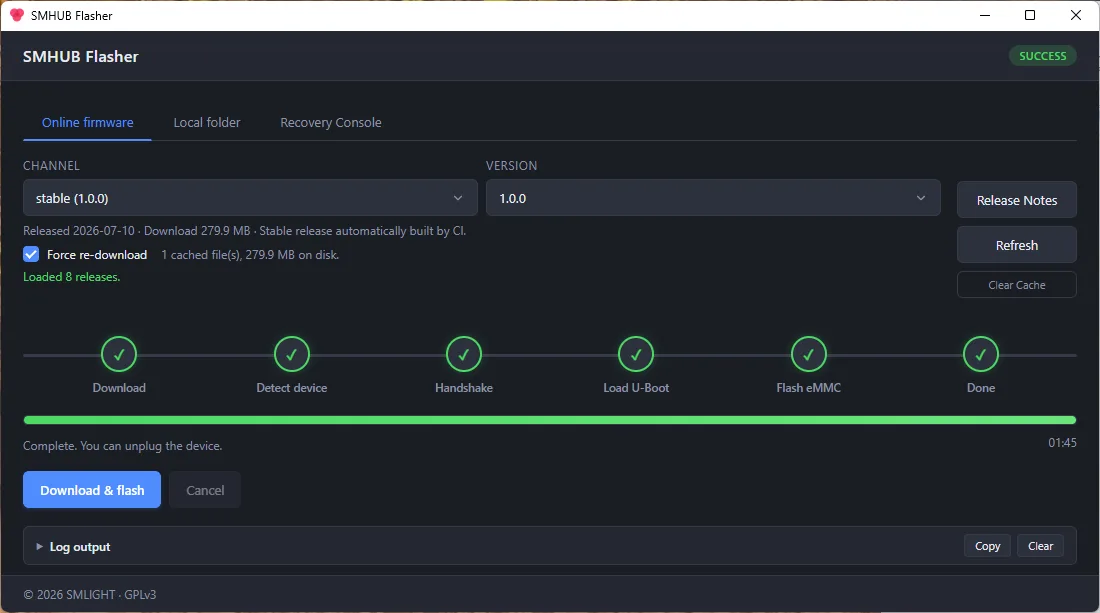
Getting firmware onto your hub takes just a few clicks: download the app, run it, pick your firmware and hit Flash. From there SMHUB Flasher does the work — detecting your device, loading the bootloader and writing the image — while a clear six-step tracker, a live progress bar and a running log show exactly what is happening. It even tells you the precise moment to plug your hub in. When it is finished you get a simple "Complete. You can unplug the device."
Three ways to load firmware
However you like to work, there is a tab for it:
- Online firmware — choose a channel (stable or beta) and a version, and the app downloads that exact build straight from SMLIGHT, verifies it with a SHA-256 checksum, and flashes it. No hunting for files.
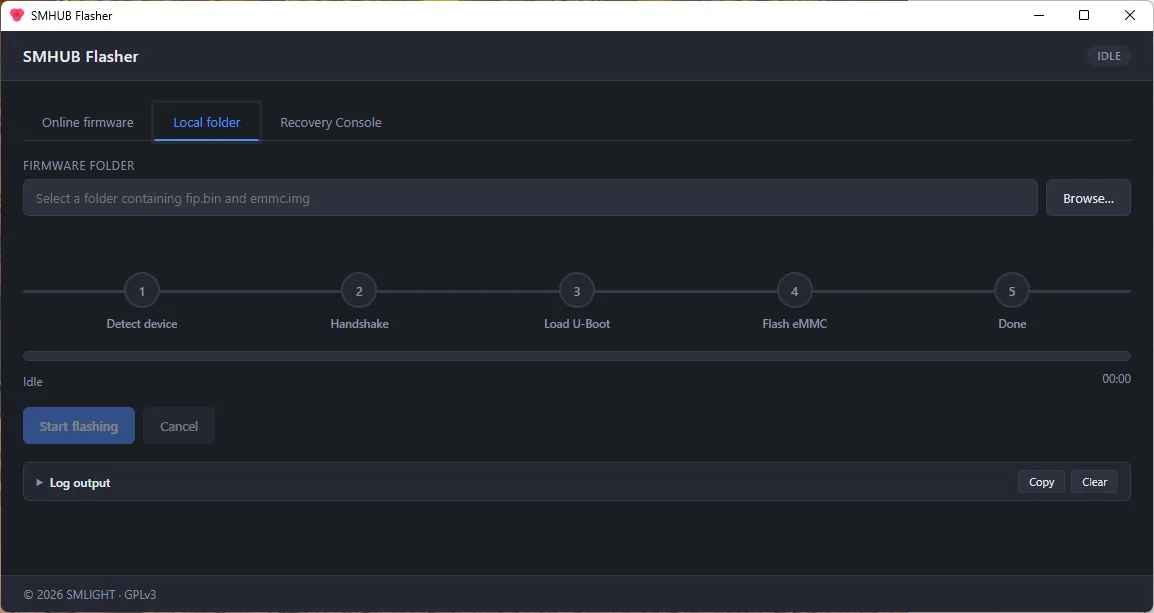
- Local folder — already have the firmware, or working without internet? Point it at a folder — or a USB stick — and flash from there. Ideal for field work and recovery.
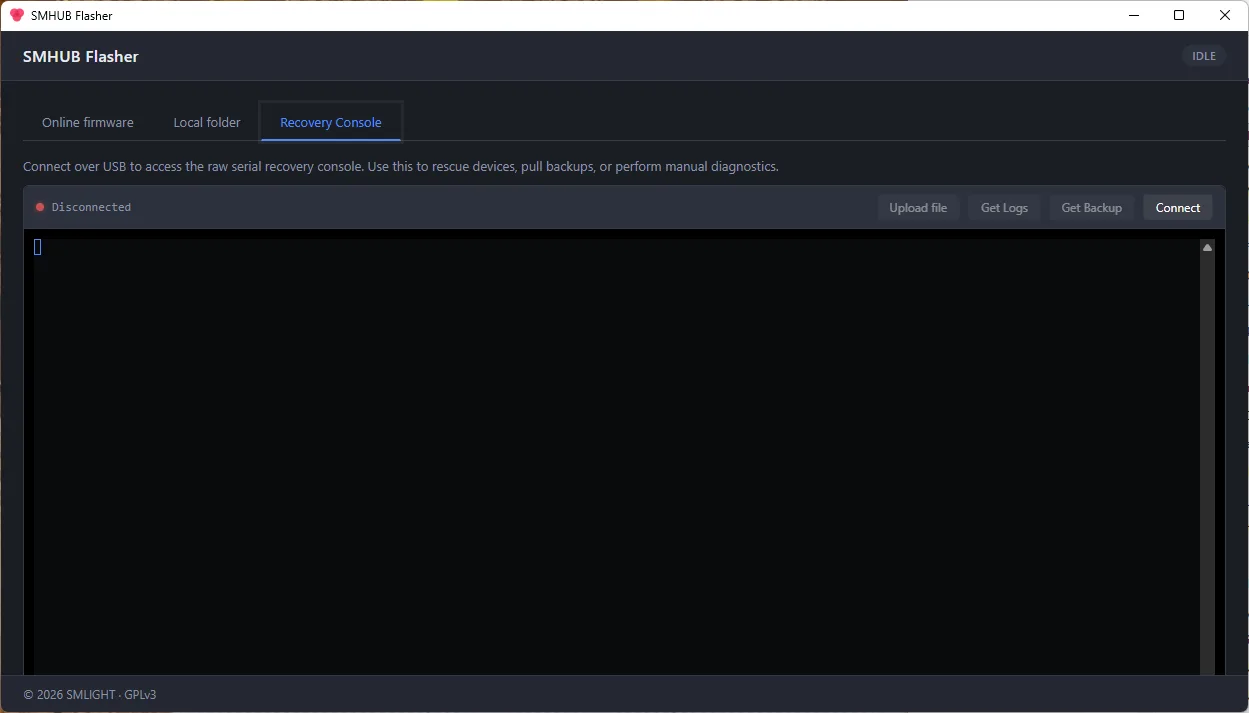
- Recovery Console — a built-in serial terminal for rescuing a hub that will not fully boot.
Built to rescue, not just to flash
SMHUB Flasher is as much a recovery tool as a flashing tool. Because it talks to the hub's boot ROM directly over USB, it can revive a completely unbootable device — even one that never reaches its normal operating system. Keep the firmware on a USB drive and it flashes fully offline. And when a hub is misbehaving rather than dead, the Recovery Console opens a real command line on the device over USB: run diagnostics, upload files, and pull logs or a full backup with a single click.
GUI or command line, on every desktop
Most people will want the desktop app, available for Windows, macOS and Linux. If you live in the terminal, the very same engine ships as a cross-platform command-line tool — pipx install smhub-flasher — with scriptable online and offline flashing. It is free and open source under the GPLv3.
Get it
SMHUB Flasher 1.1.1 is available now:
- Desktop app (Windows · macOS · Linux) — download from the GitHub releases page.
- Command line —
pipx install smhub-flasher.
It is a brand-new open-source app, so Windows and macOS may show an "unknown publisher" prompt the first time you launch it — that is expected.
📸 A closer look
A walk through the app — tap any screenshot to view it full size.