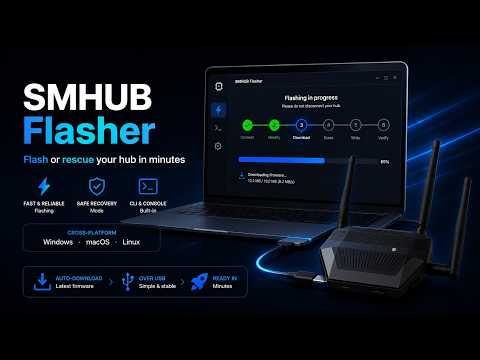
Flash or rescue your hub in minutes.
SMHUB Flasher is a free, cross-platform app — and CLI — that flashes fresh firmware onto your SMHUB, or brings an unbootable one back to life, over USB in about a minute and a half.
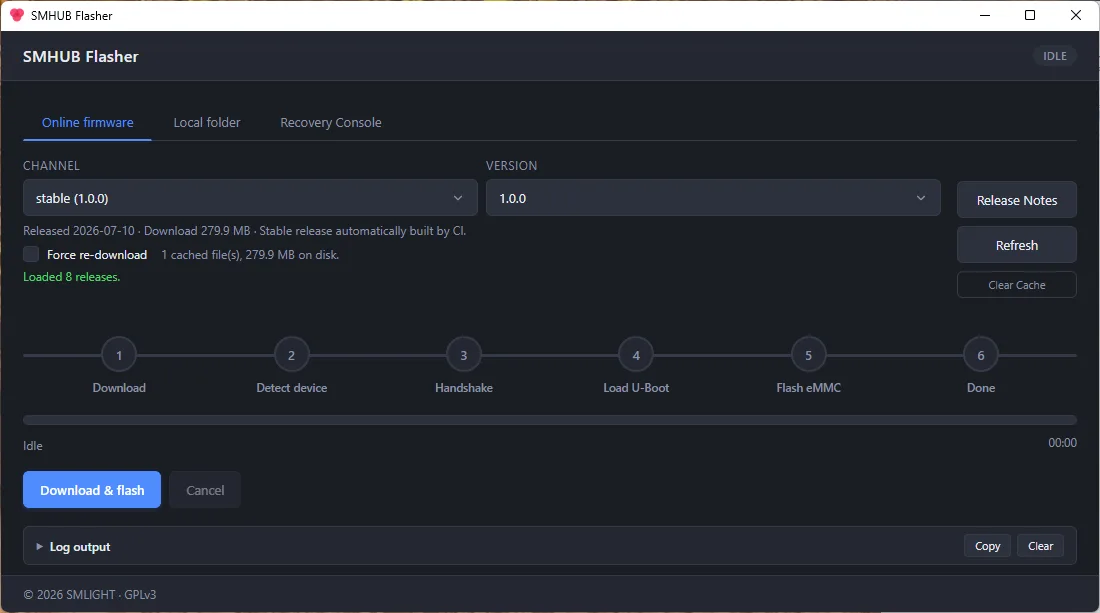
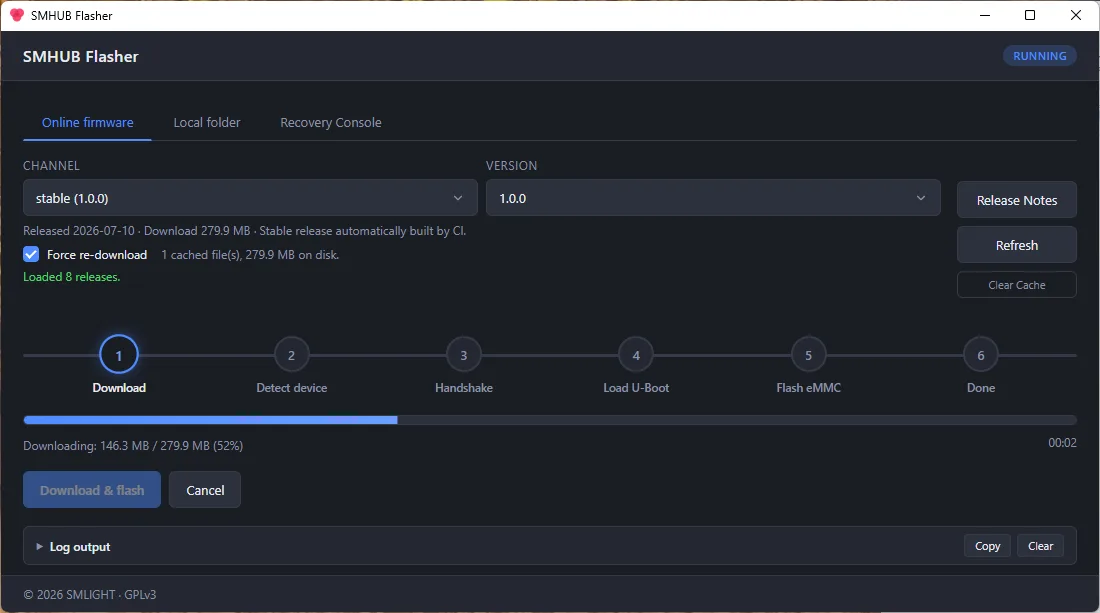
Download, run, pick your firmware, hit Flash. A six-step tracker and live log show exactly what’s happening — including the moment to plug in.
Online — pick a channel and version, checksum-verified. From a local folder or USB stick. Or the Recovery Console for a hub that won’t boot.
It talks to the hub’s boot ROM directly over USB, so it can revive a completely unbootable device — fully offline if you keep firmware on a USB drive.
A desktop app for every OS, or the very same engine as a scriptable CLI. Same firmware, whichever you prefer.
Three steps, done.
- 1Download and run
Grab the desktop app for Windows, macOS or Linux — nothing to configure.
- 2Pick your firmware
Choose an online channel and version, or point it at a local folder or USB stick.
- 3Flash — plug in when asked
The app detects the hub, loads the bootloader and writes the image, then tells you when you can unplug.
Up and running in one line.
$ pipx install smhub-flasherSee it in action.
The essentials.
- Platforms
- Windows · macOS · Linux (desktop app + CLI)
- Firmware sources
- Online (stable / beta) · local folder or USB · recovery
- Recovery Console
- Serial terminal — diagnostics, file upload, logs, backup
- Verification
- SHA-256 checksum on every download
- License
- GPLv3 · open source
- Latest
- v1.1.1
Ready to dive in?
SMHUB Flasher is a free, cross-platform app — and CLI — that flashes fresh firmware onto your SMHUB, or brings an unbootable one back to life, over USB in about a minute and a half.
A brand-new open-source app, so Windows and macOS may show an “unknown publisher” prompt the first time you launch it — that’s expected.