Everything new from SMLIGHT. Announcements, releases, guides & field notes.
 Blog
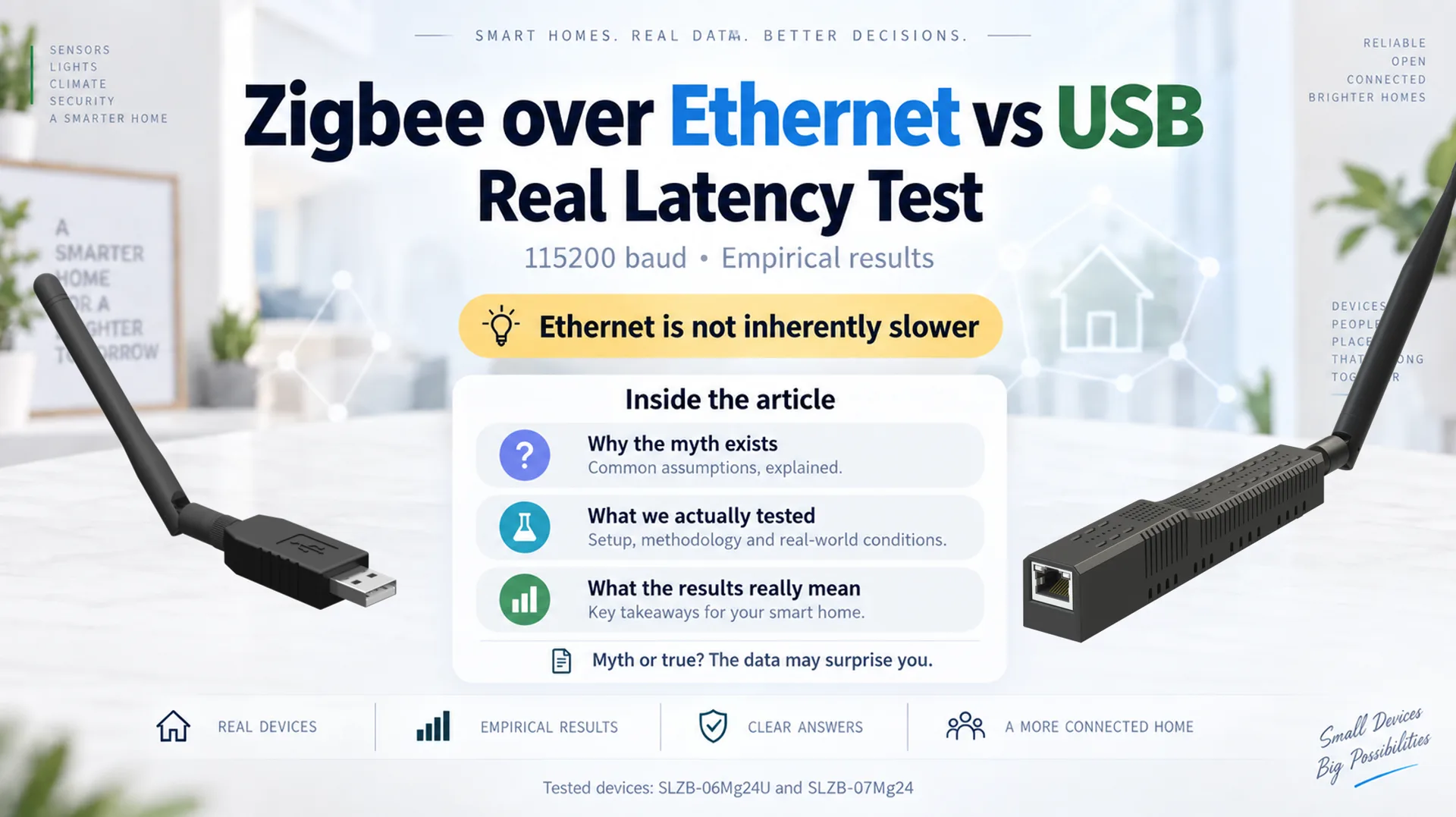
BlogZigbee over Ethernet vs USB: Real Latency Test
Is Zigbee over Ethernet slower than USB? We measured end-to-end coordinator latency on a local LAN using comparable EFR32MG24-based USB and Ethernet adapters.
 Product announcements
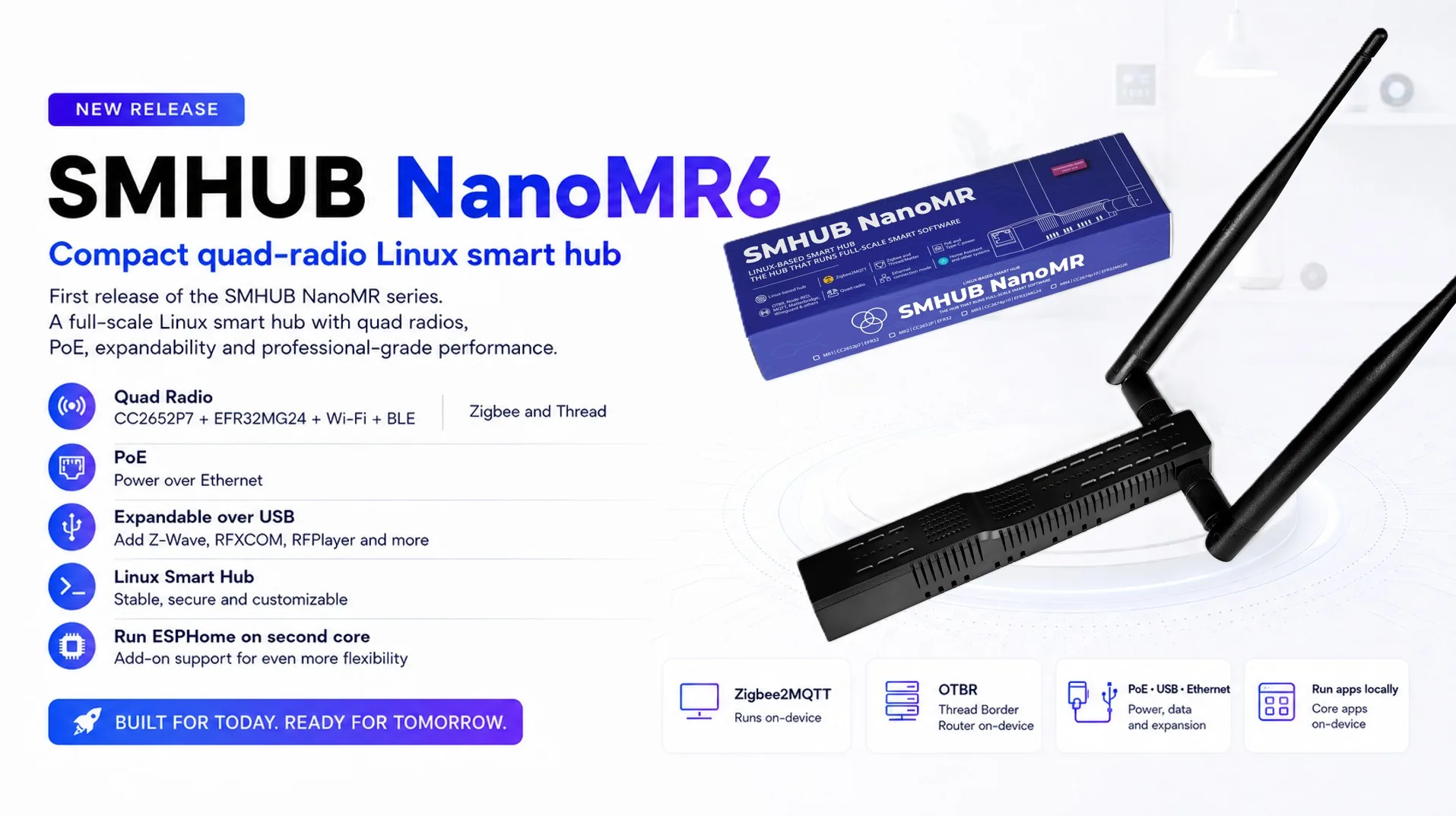
The first release of the SMHUB NanoMR series: a compact quad-radio Linux hub with two independent Zigbee/Thread radios (CC2652P7 + EFR32MG24), Wi-Fi 6 and Bluetooth, running Zigbee2MQTT, Matterbridge and Node-RED locally.
Read →SMHUB NanoMR6 — our first quad-radio Linux nano hub
 Product announcements
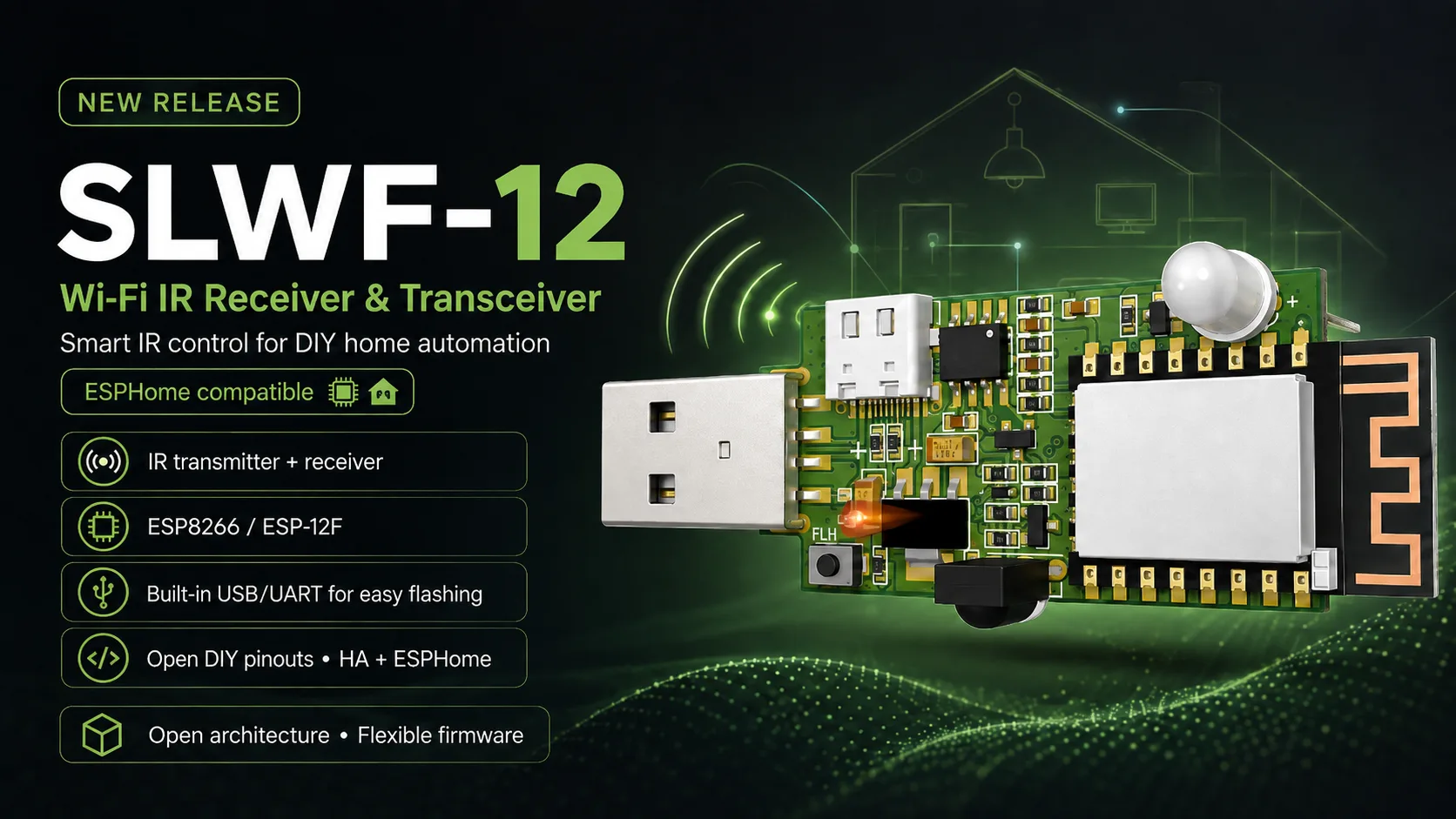
Say hello to the SLWF-12 — a compact Wi-Fi IR controller on ESP8266: an IR transmitter and receiver on one board, USB flashing with no programmer, open pinouts for DIY, and Home Assistant integration through ESPHome.
Read →SLWF-12 — our new Wi-Fi IR controller and DIY board
 Software announcements
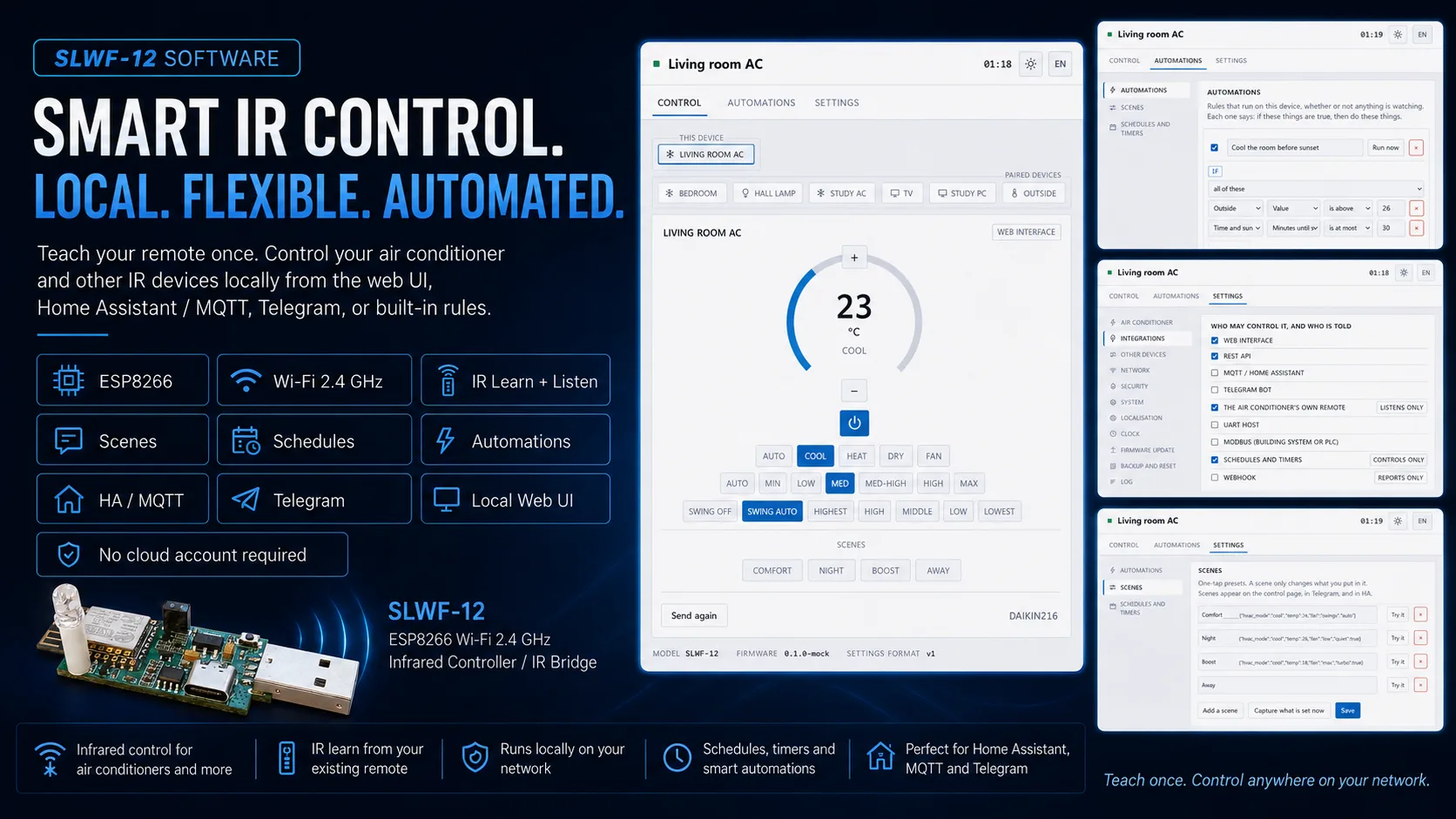
Optional firmware for the SLWF-12 that learns your air conditioner from its own remote, then puts it on Home Assistant, MQTT, Telegram, a browser and on-device schedules — with the original handset staying in sync.
Read →AC Bridge — your air conditioner, on everything
 Software announcements
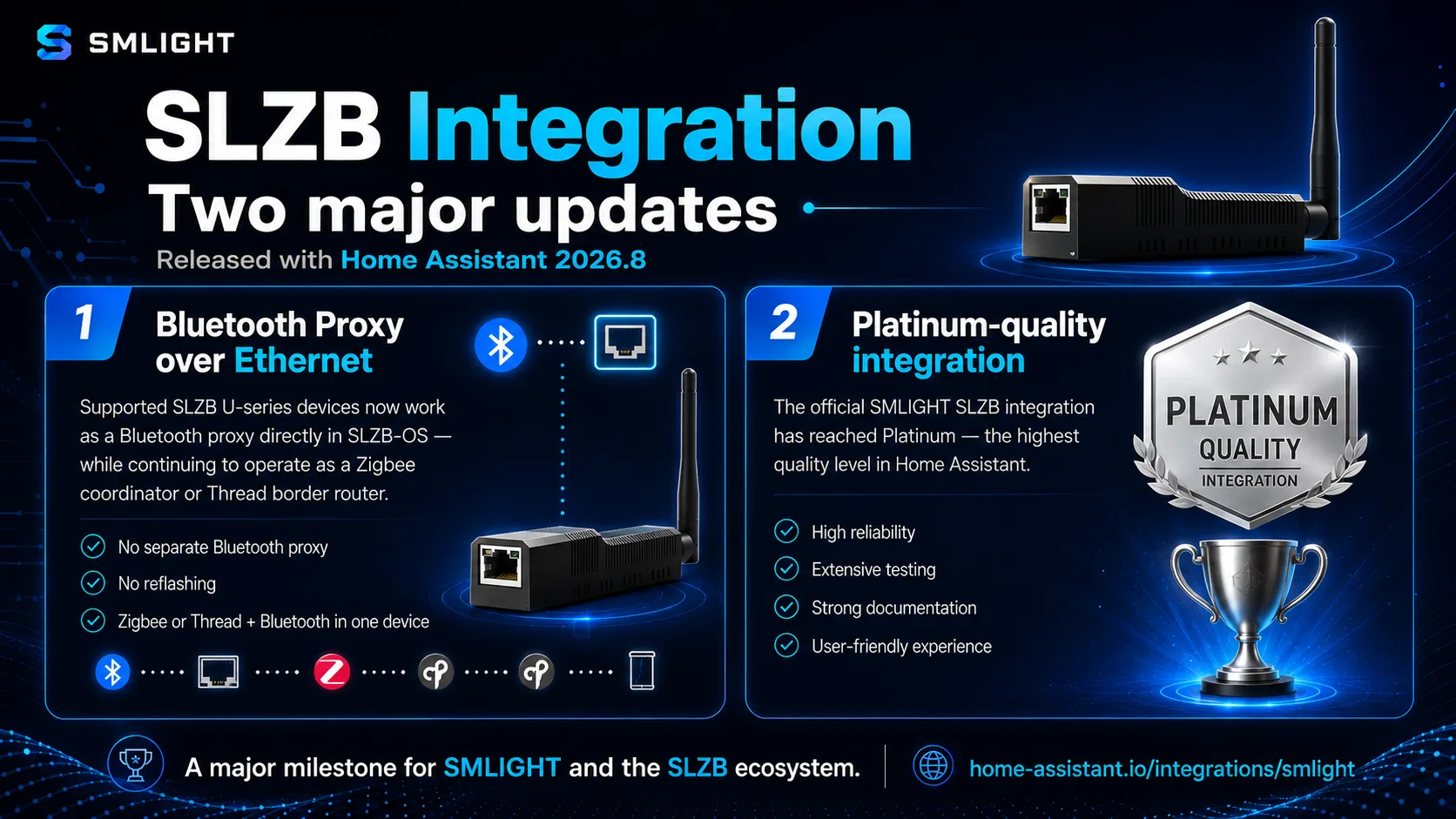
Home Assistant 2026.8 brings two big SLZB milestones: supported SLZB U-series devices now work as a Bluetooth proxy directly in SLZB-OS — alongside Zigbee or Thread, over Ethernet — and the official SMLIGHT SLZB integration has reached Platinum, the highest quality level in Home Assistant.
Read →SLZB Integration — two major updates with Home Assistant 2026.8
 Product announcements
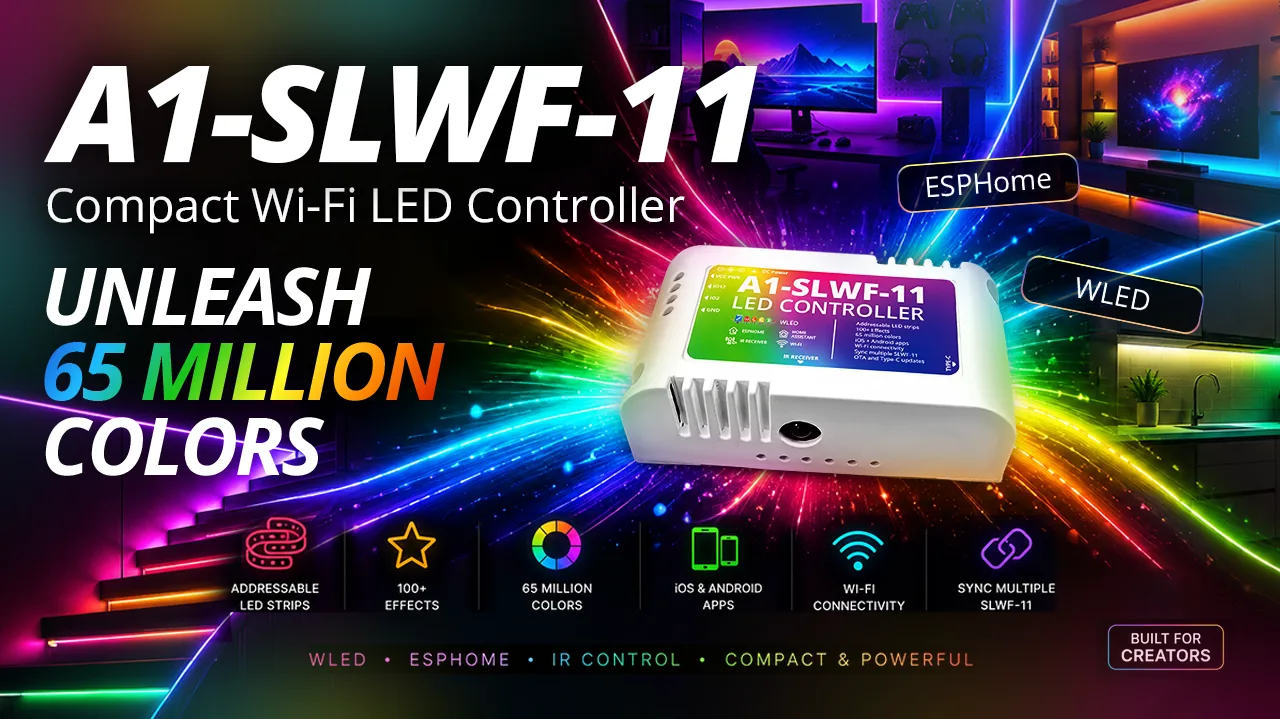
Say hello to the SLWF-11 — a compact, fully-equipped WLED controller: four data lines, screw terminal, DC barrel jack, built-in USB/UART converter, IR receiver, and 5–24 V strip support — in the smallest footprint, at full SMLIGHT quality. Coming to our distributors very soon.
Read →SLWF-11 — our new compact WLED LED controller
 Product announcements
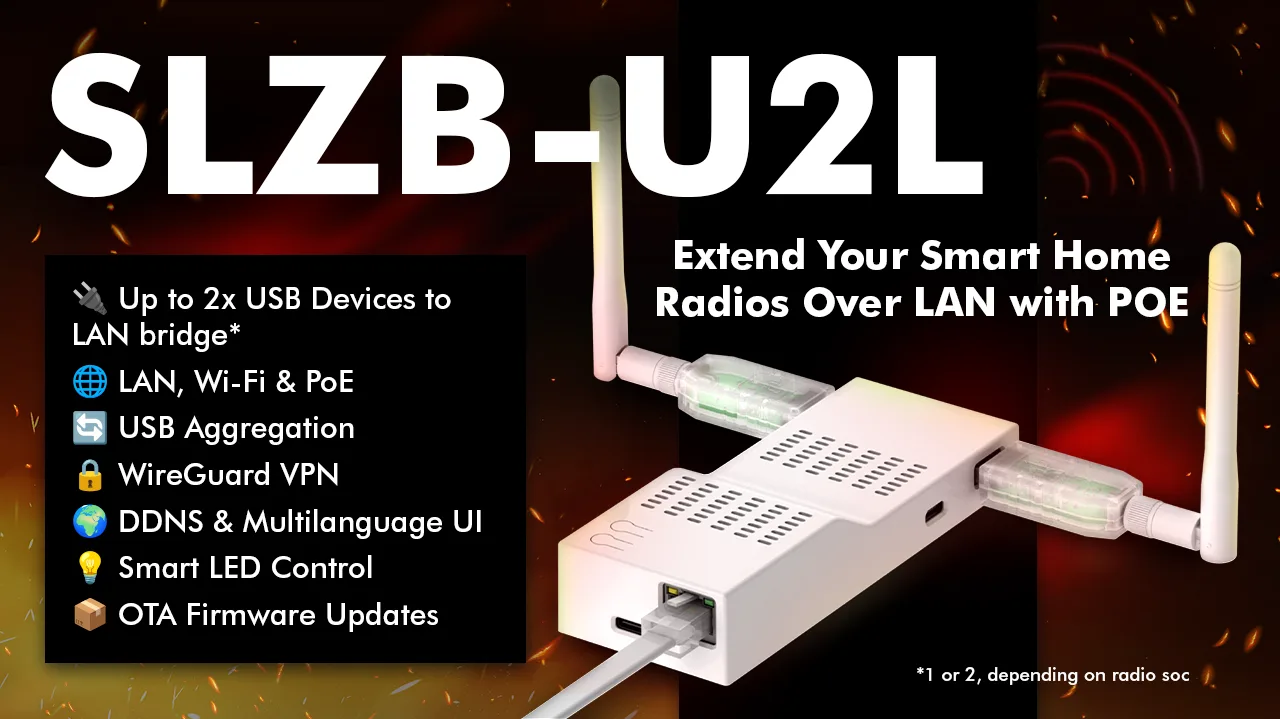
Meet the SLZB-U2L USB-to-Ethernet Bridge: put Zigbee, Z-Wave, Thread, LoRa and 433 MHz dongles on LAN, Wi-Fi or PoE — with WireGuard VPN, DDNS and OTA built in. Rolling out now.
Read →SLZB-U2L — your USB radios, on the network
 Software announcements
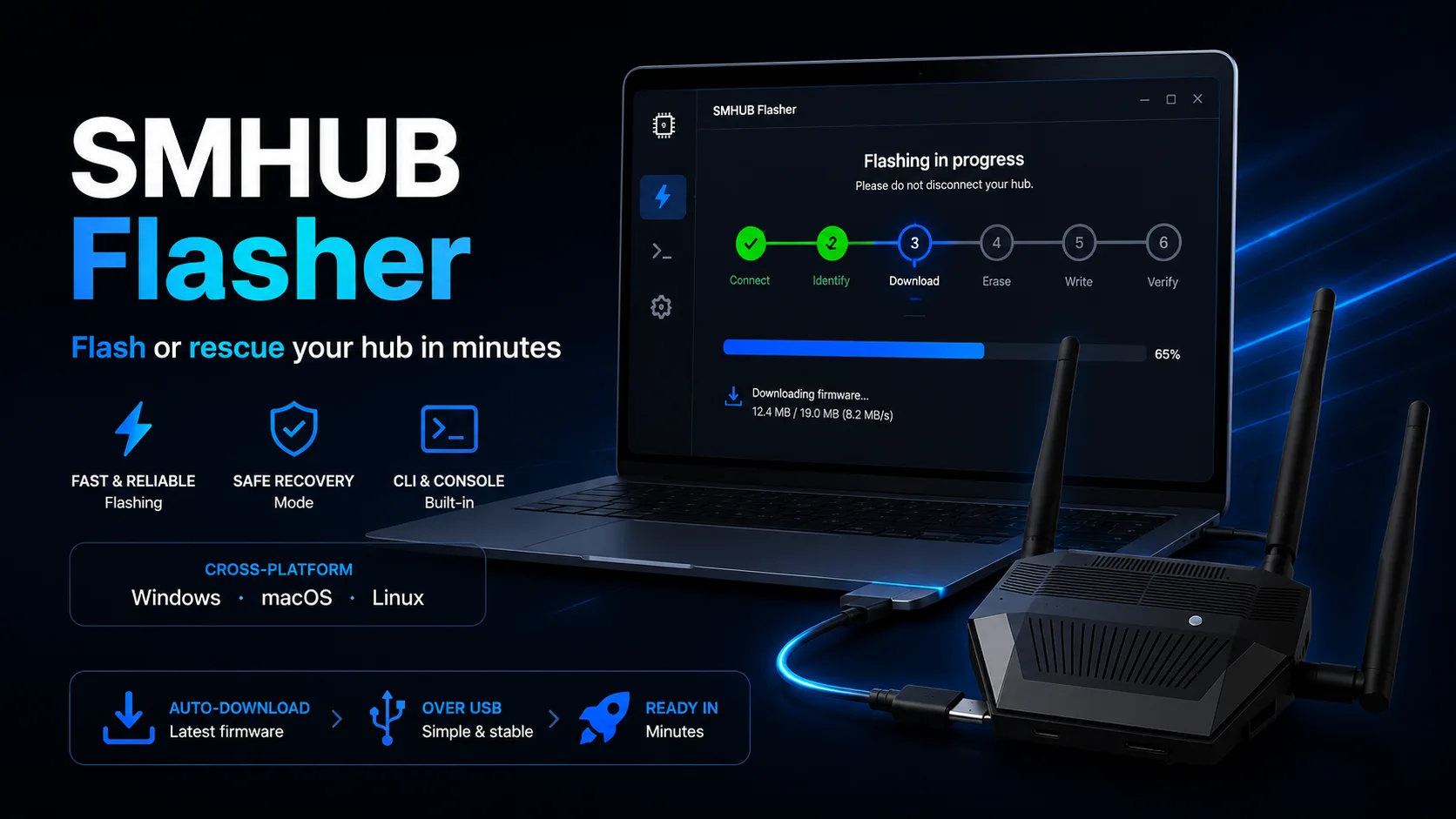
Meet SMHUB Flasher — a free, cross-platform app (and CLI) that flashes or recovers your SMHUB over USB in about a minute and a half. It downloads the right firmware automatically, walks you through every step, and includes a recovery console to rescue an unbootable hub. Windows, macOS and Linux.
Read →SMHUB Flasher — flash or rescue your hub in minutes
 Software announcements
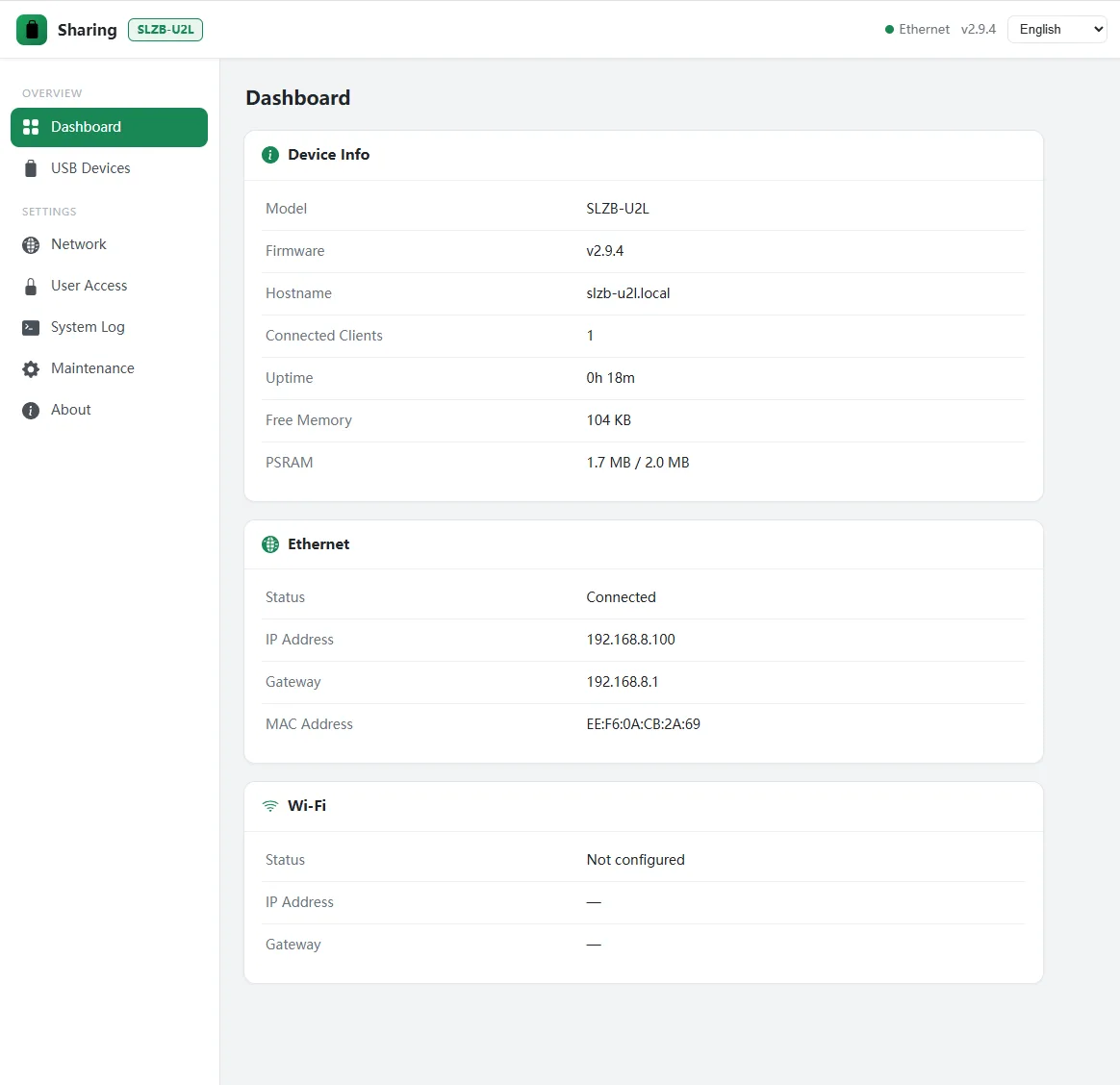
New firmware for the SLZB-U2L: U2L-Sharer turns it into a network USB server. Share a printer, a scanner, a Bluetooth adapter or almost any low-bandwidth USB device — and it shows up on a remote PC exactly as if it were plugged in there. Standard USB/IP, one-click on Windows.
Read →U2L-Sharer — share any USB device over your network
 Release notes
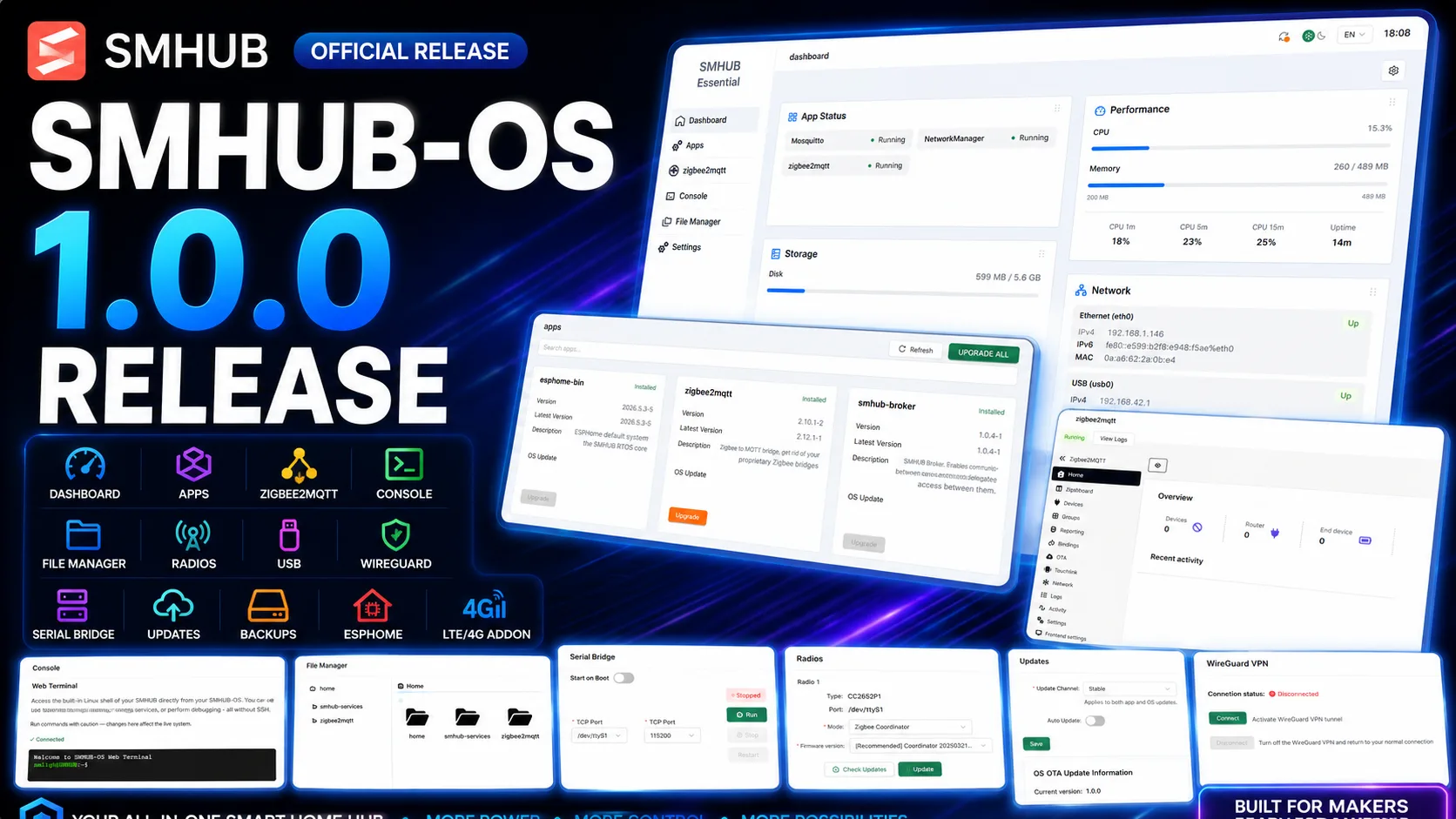
SMHUB-OS v1.0.0
Warning — power off first Before making any wiring connections, ensure the A-SLWF-11 and all power sources are completely powered off . This prevents electrical hazards and protects both the…
Read →SLWF-11 Manual · 3. Power and LED Wiring
All of the following are integrated on a single compact board: Block Function Wi-Fi SoC ESP8266 , running WLED / ESPHome over 2.4 GHz Wi-Fi LED outputs Level-shifted Data and Clock lines at…
Read →SLWF-11 Manual · 2. Hardware Overview
1) Connect to the device 1. Power the controller. On first boot it broadcasts a Wi-Fi access point named WLED-AP . 2. Join WLED-AP . 3. The captive portal opens automatically; otherwise browse to…
Read →SLWF-11 Manual · 4. Main Settings
The A-SLWF-11 has a built-in infrared receiver , so you can control your lights with the supplied IR remote — handy when Wi-Fi or the app isn't convenient. The remote is a standard multi-function…
Read →SLWF-11 Manual · 5. IR Remote Control
The A-SLWF-11 is a compact addressable-LED strip controller built around the ESP8266 Wi-Fi SoC and powered by WLED open-source firmware. It is designed for simple, reliable control of WS2812B-class…
Read →SLWF-11 Manual · 1. Introduction
Symptom Likely cause Fix No power / device dead Wrong voltage, loose or reversed wiring, bad adapter Verify supply, check connections, try another source/cable Powers on but LEDs dark Data/GND wiring…
Read →SLWF-11 Manual · 7. Troubleshooting
Flashing over USB 1. Connect the controller to your computer with a USB-A to Type-C cable. 2. Open the SMLIGHT / WLED web-flasher in a Chromium-based browser and select the ESP8266 build. 3. Choose…
Read →SLWF-11 Manual · 6. Flash and Update
Warning Open the enclosure only when necessary. Power the device off first and work gently to avoid damaging the PCB or connectors. 1. Use a thin, sharp tool to release the cover, inserting it at the…
Read →SLWF-11 Manual · 10. Device Disassembly
WLED / firmware GPIO map Function GPIO Notes LED Data output GPIO2 Primary data line LED Clock output GPIO12 Clocked strips only IR receiver GPIO4 Enable "IR" in WLED Push button GPIO0 Also used for…
Read →SLWF-11 Manual · 9. Pinout and FAQ
Parameter Value Wi-Fi SoC ESP8266 Connectivity Wi-Fi 2.4 GHz LED outputs Data + Clock, 5 V logic level Supported strips WS2812B, WS2811, WS2813, WS2815, and clocked types Power inputs USB…
Read →SLWF-11 Manual · 8. Technical Specifications
Developer-channel build: OTA crash-rollback, BLE proxy + Berry module for U-line/Ultima, PSRAM-by-default Berry scripts, RAM optimizations, plus crash-message and Zigbee Hub fixes.
Read →SLZB-OS v3.3.3.dev7
Developer-channel build: firmware update channel selection, EFR32 NVM-clear option, stable-only auto-updates, plus DNS/OTA/Zigbee Hub fixes.
Read →SLZB-OS v3.3.3.dev4
SMHUB-OS v1.0.0.beta5
SMHUB-OS v1.0.0.beta4
SMHUB-OS v1.0.0.beta3
SLZB-OS v3.3.3.dev1
SMHUB-OS v1.0.0.beta2
SLZB-OS v3.3.1
SMHUB-OS v1.0.0.beta1
SLZB-OS v3.2.9
SLZB-OS v3.2.8
SLZB-OS v3.2.7
 Blog
BlogHow a vibration sensor, AAA batteries, and SMLIGHT SLZB-06M Zigbee coordinator solved smart home gate automation in a radio dead zone — from a 1976 Land Cruiser.
Read →Hacking Zigbee Vehicle Presence for a Smart Home Gate Automation
SLZB-OS v3.2.6.dev3
SLZB-OS v3.2.6.dev2
SLZB-OS v3.2.6.dev0
SLZB-OS v3.2.5.dev1
SLZB-OS v3.2.4
SLZB-OS v3.2.0
SLZB-OS v3.0.9
 Blog
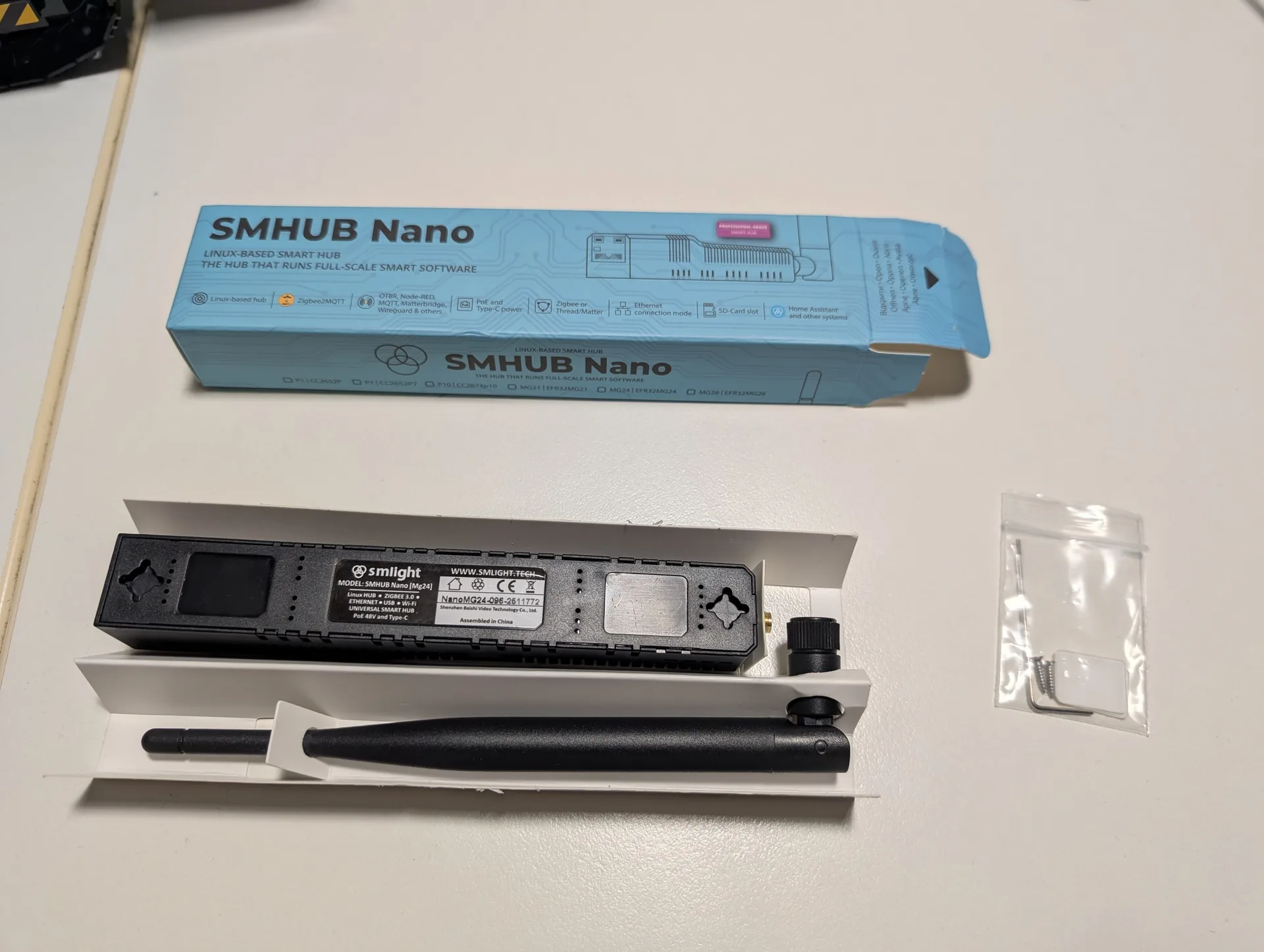
BlogA hands-on review of the SMHUB Nano Mg24 — setting up effortless remote Zigbee with Tailscale, Mosquitto and Zigbee2MQTT so your coordinator works from anywhere in the world.
Read →